Content Studio: Turn any topic into a faceless video.
An AI faceless video generator for YouTube Shorts, TikTok and Instagram Reels. Type a topic and get a vertical short with a script, animated scenes, a narrator and captions.
Start from a template
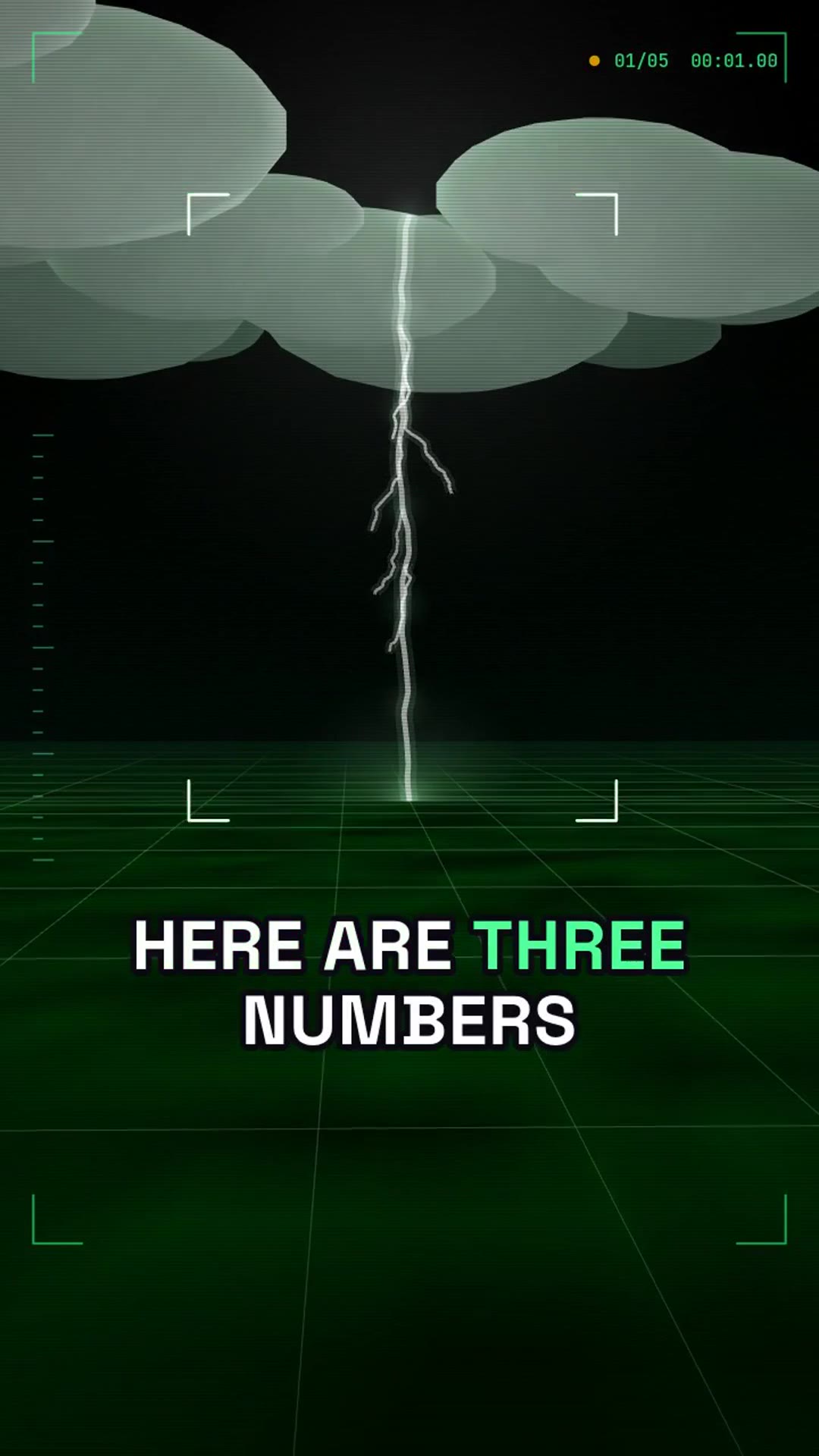
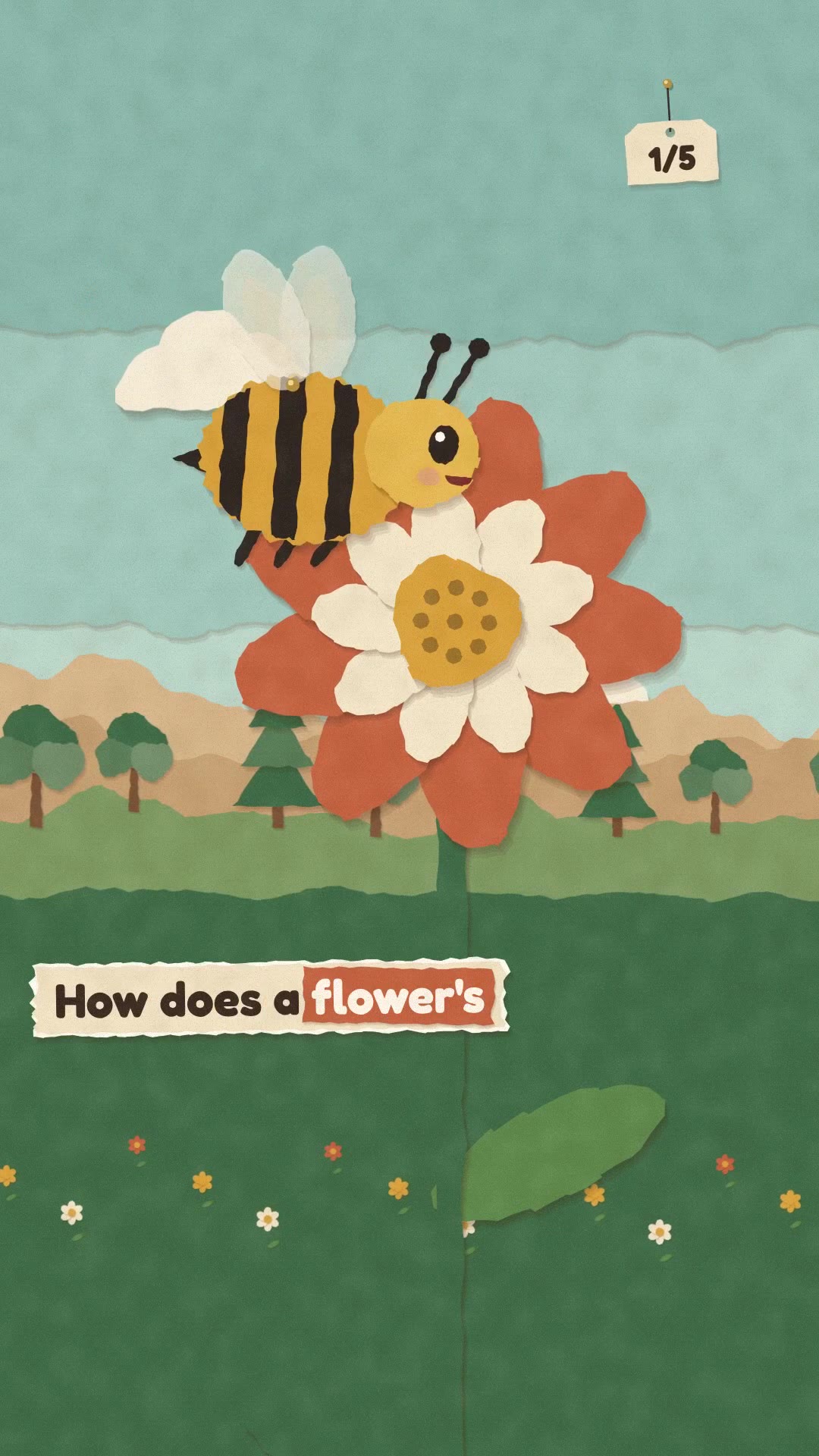
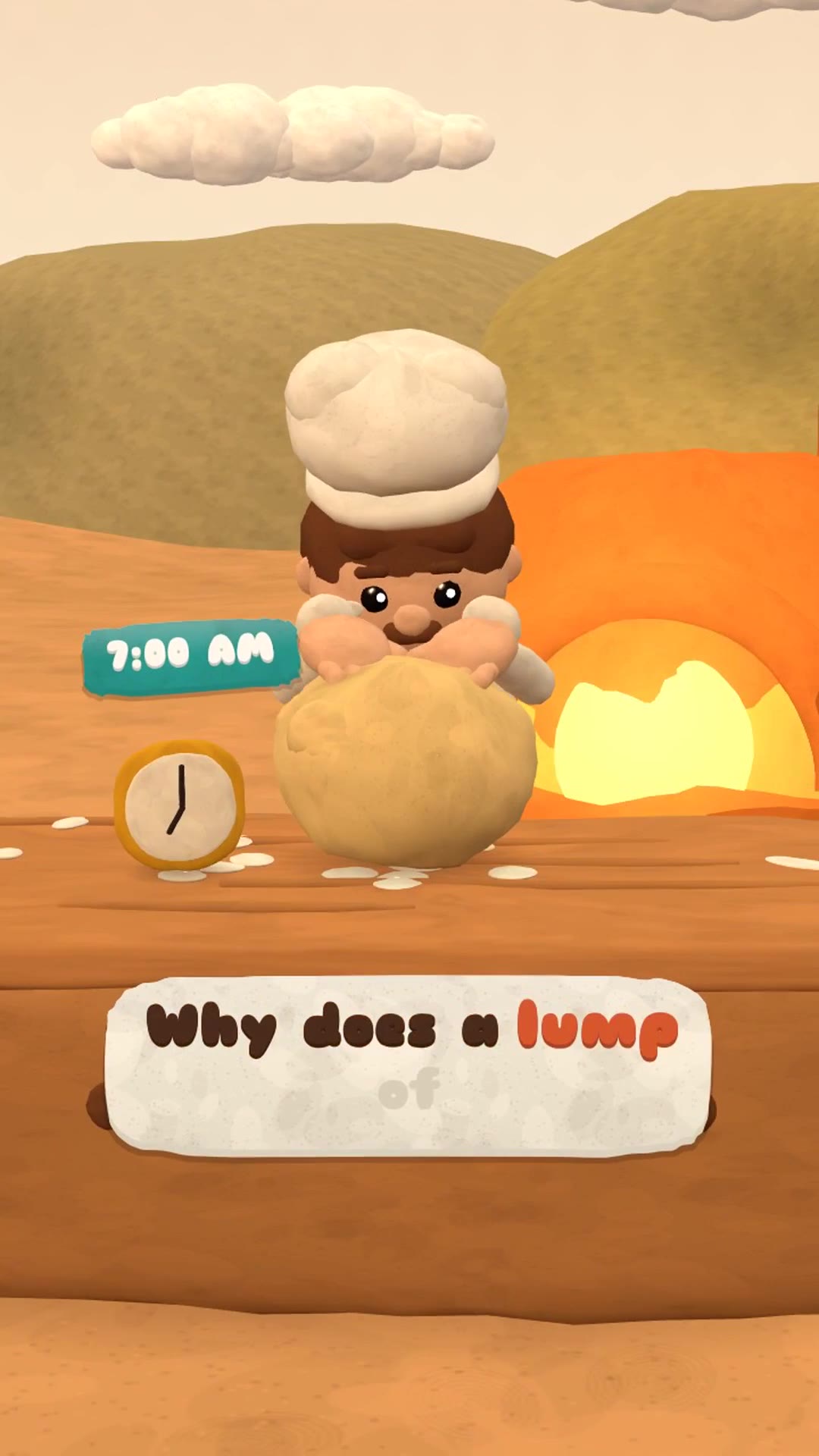
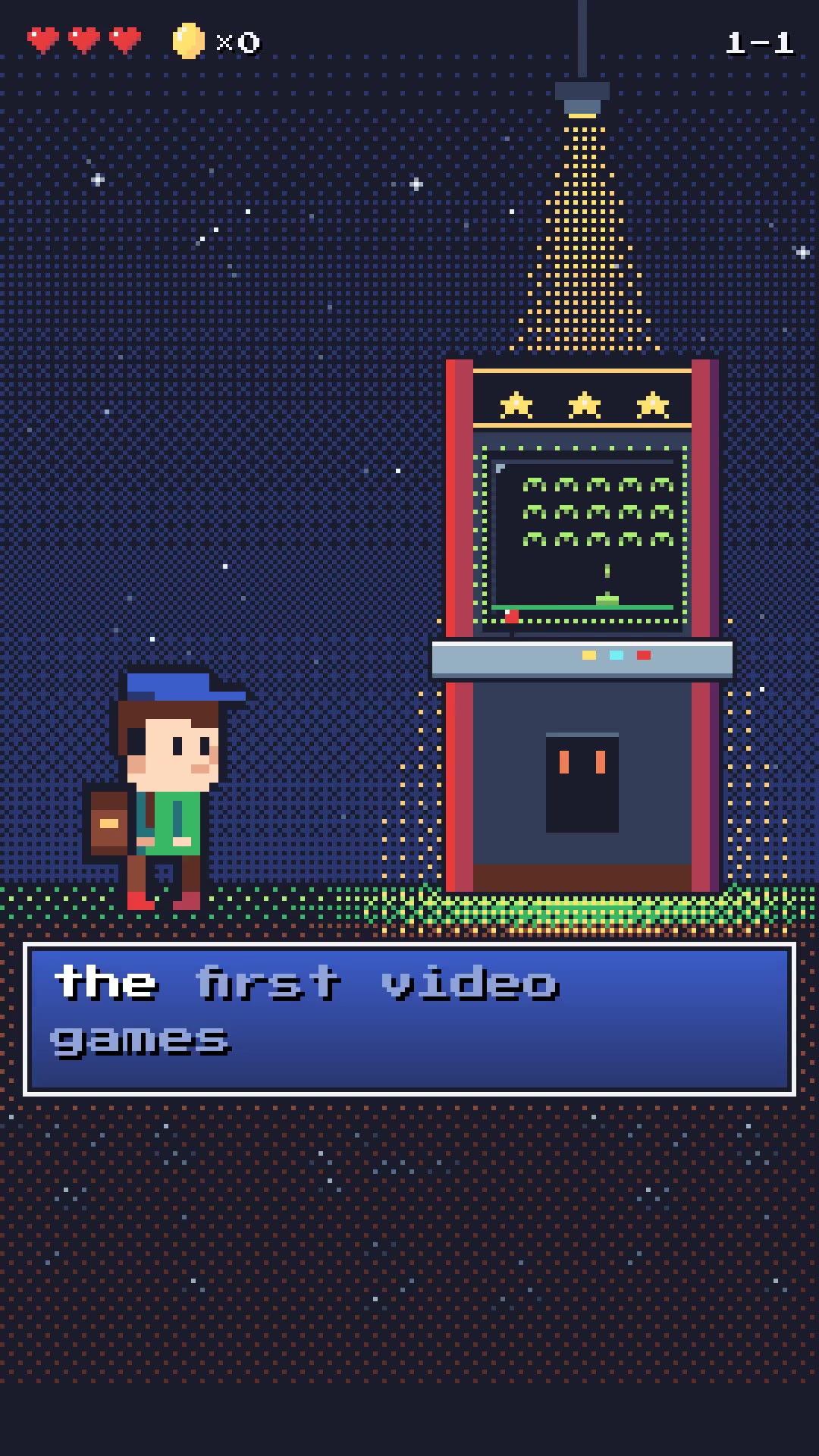
Faceless shorts made in Content Studio. Press one and its topic, look and narrator fill the composer, ready to change.



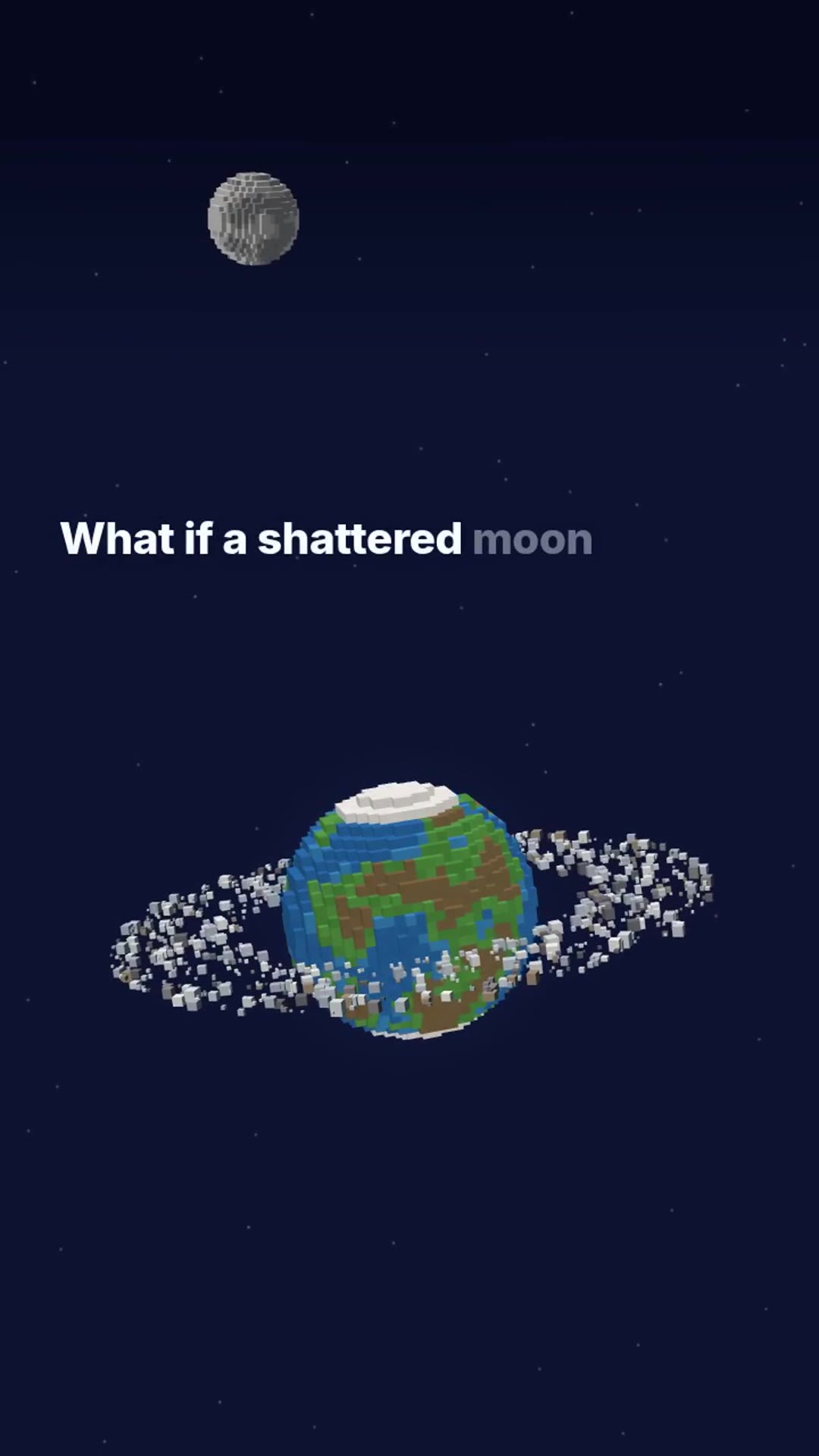
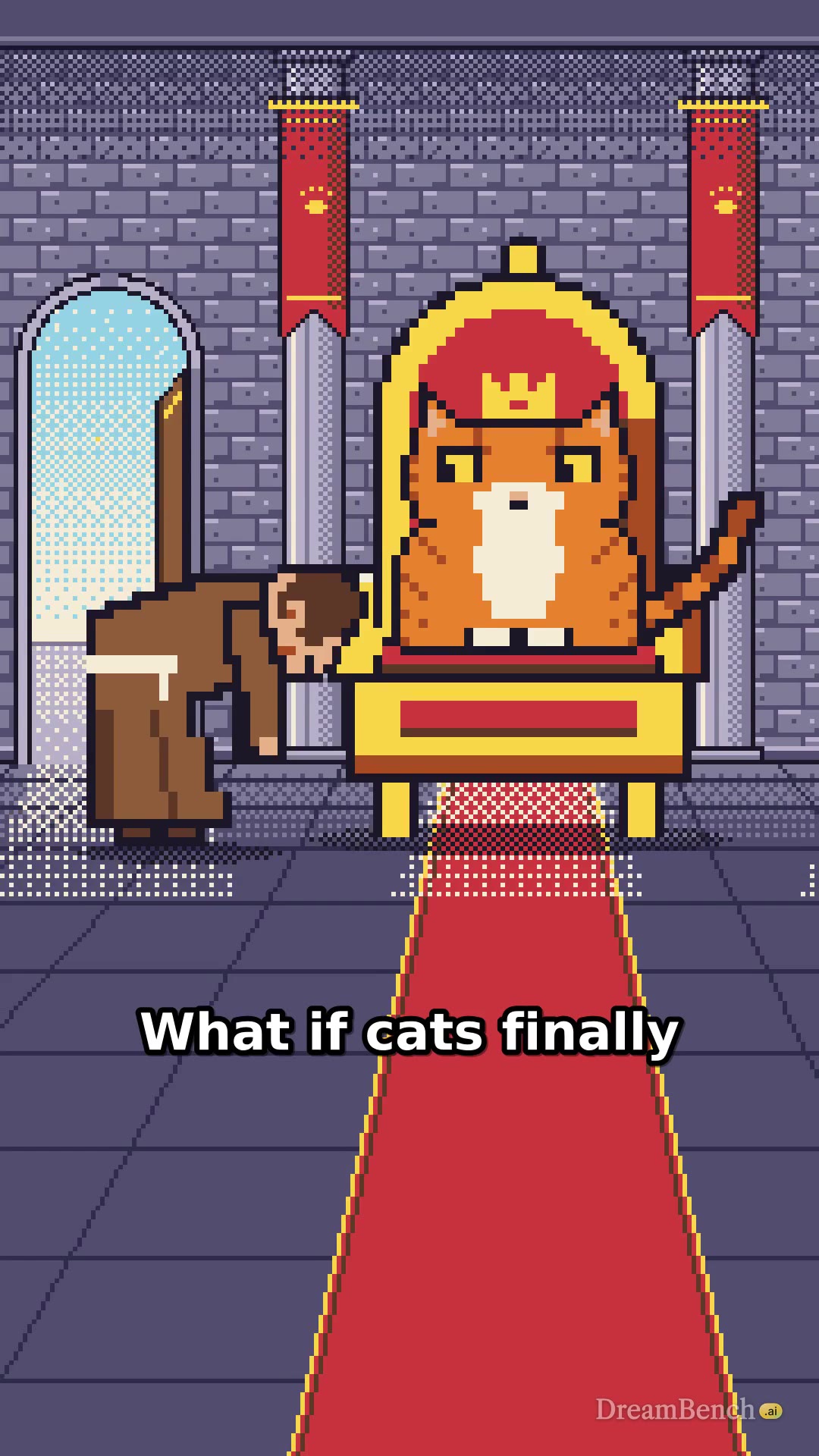
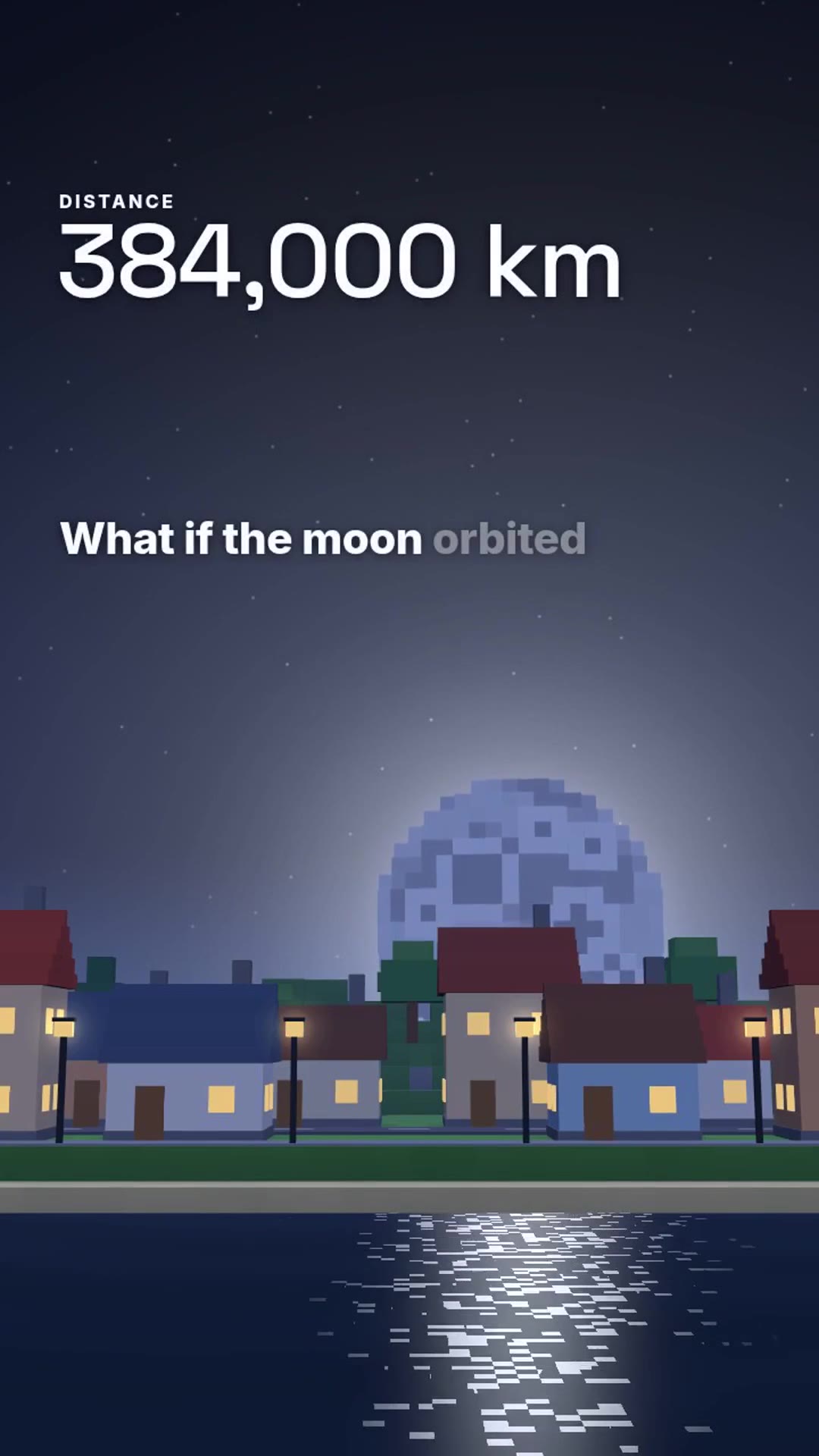
What is an AI faceless video generator?
An AI faceless video generator, or faceless video maker, turns a topic into a finished video with nobody on camera. In Content Studio you type a topic, Claude writes the script and animates every scene in code, a narrator reads each line, and the captions are burned in. Every episode shows its price in credits before it is made.
How to make a faceless video with AI
Type a topic
Write a subject, a question or a story idea, such as “What if the Moon were twice as close?”. Claude reads it and picks the kind of video, or you pick it.
Choose the look and the voice
Leave the look on Auto and Claude picks the one of 12 that suits your topic, or pick it yourself. Then one of 8 narrators, a language, and a length from 30 seconds to 5 minutes.
Make it and post it
See the price first. Download the MP4 with its title, caption and hashtags, ready for YouTube Shorts, TikTok and Instagram Reels.
What you can make with Content Studio
Pick one of 4 kinds and Claude writes the script to its shape.
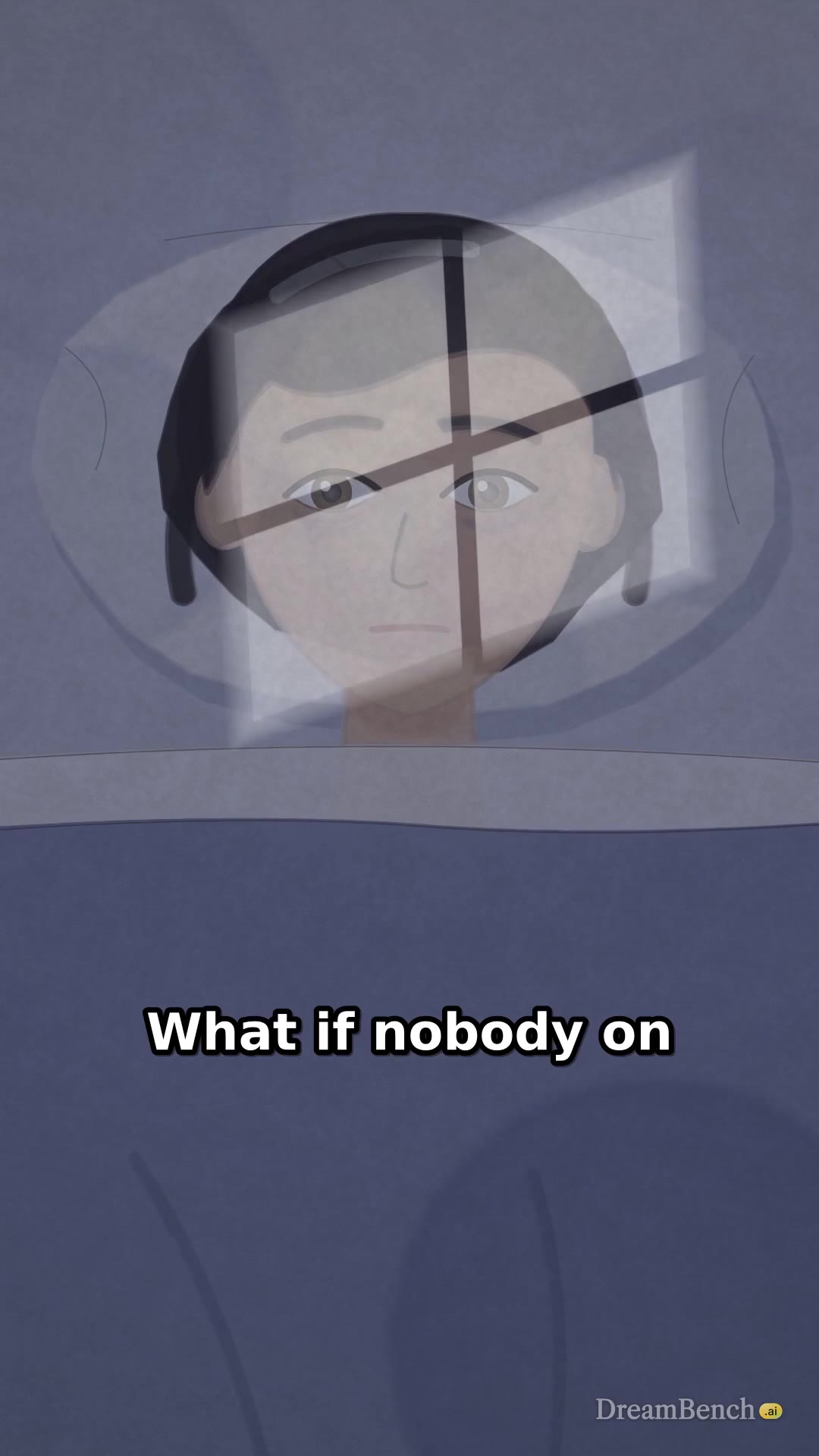
What if
“What if” videos follow one question to where it leads, one consequence a scene.
Try: “What if the Moon were twice as close?”
Explainer
Use it as an AI explainer video maker: one question answered, one idea a scene, in the order a viewer needs them. For a longer lesson with its own characters, read how to make an educational video with AI.
Try: “How does a lighthouse guide ships at night?”
Short story
Use it as an AI story video generator: a character who wants something, a turn and an ending, told by the narrator.
Try: “A lighthouse keeper who finds a message in a bottle”
Facts
The most surprising things about one subject, with the best kept for last.
Try: “Five things you didn’t know about octopuses”
12 looks, drawn by Claude in code
Each look is a tested set of characters, places, labels and captions that Claude draws every scene with, so every episode of a series looks alike. Leave it on Auto and Claude picks the look that suits your topic.
Toy Town
Rounded 3D toys, soft light and bouncy captions
Themes: Sunny, Candy and Dusk
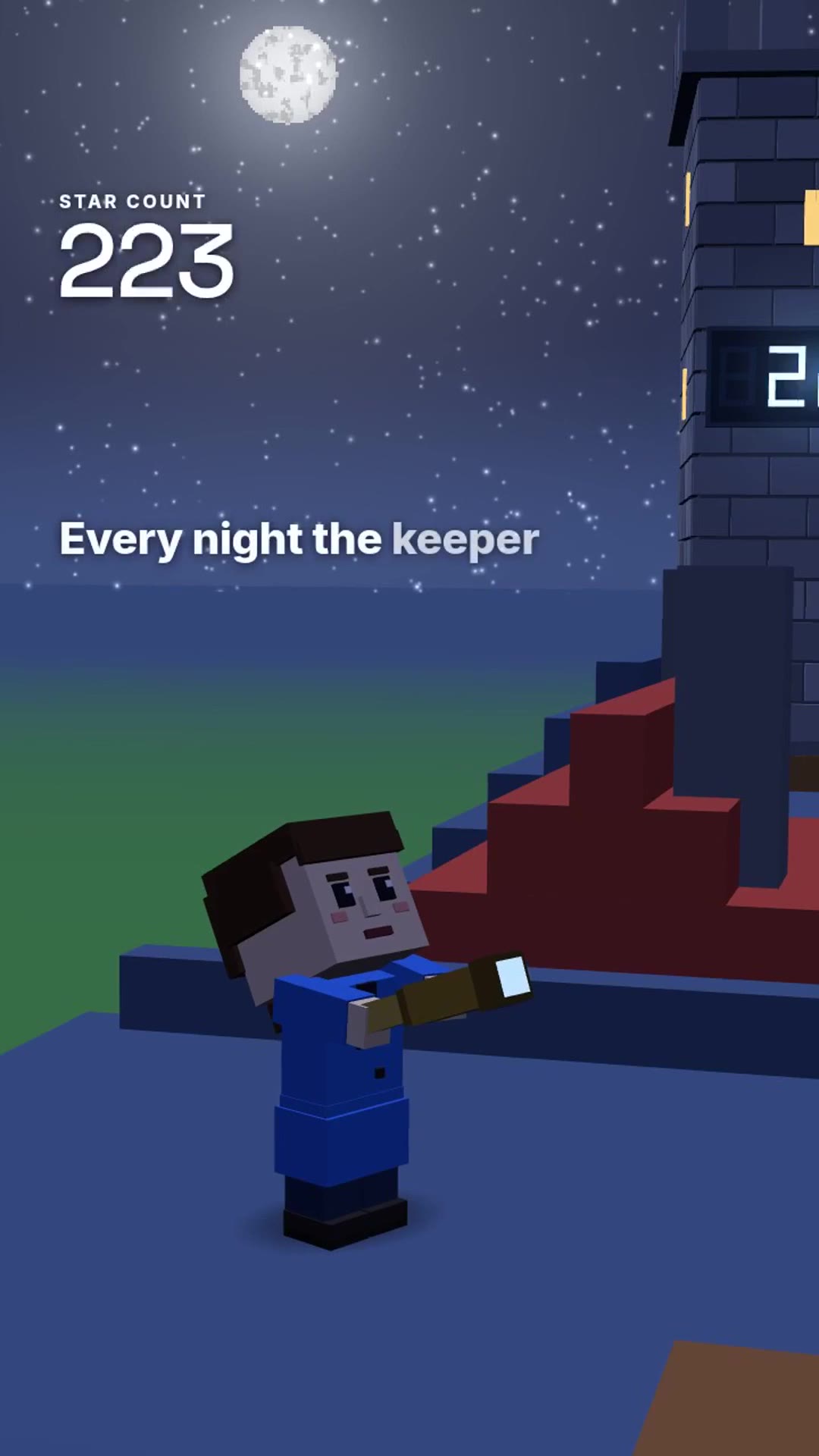
Voxel World
Blocky 3D worlds with big, clean counters
Themes: Night, Day and Sunset
Data HUD
Sci-fi readouts, callouts and measurements over 3D
Themes: Deep space, Lab and Console
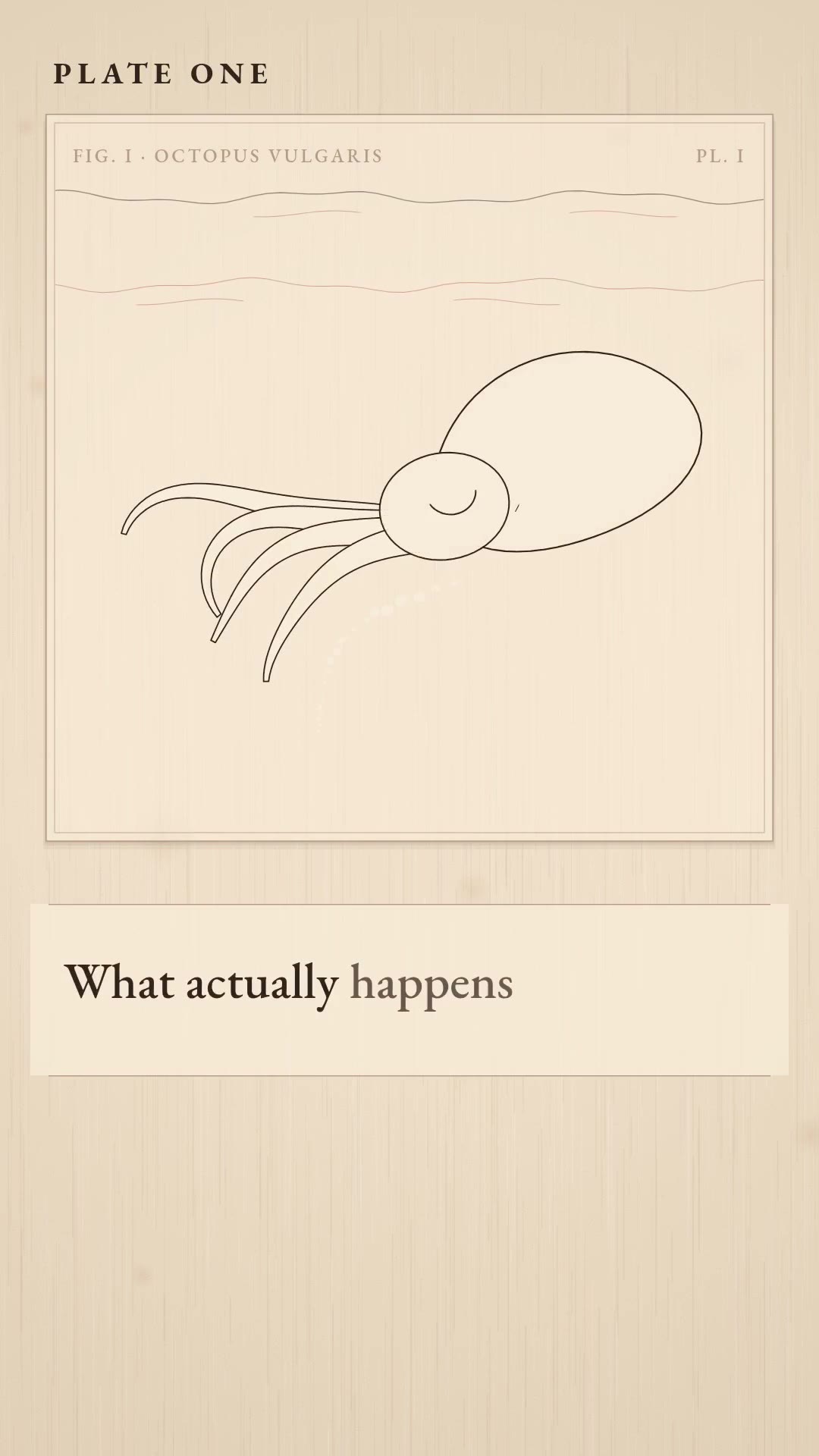
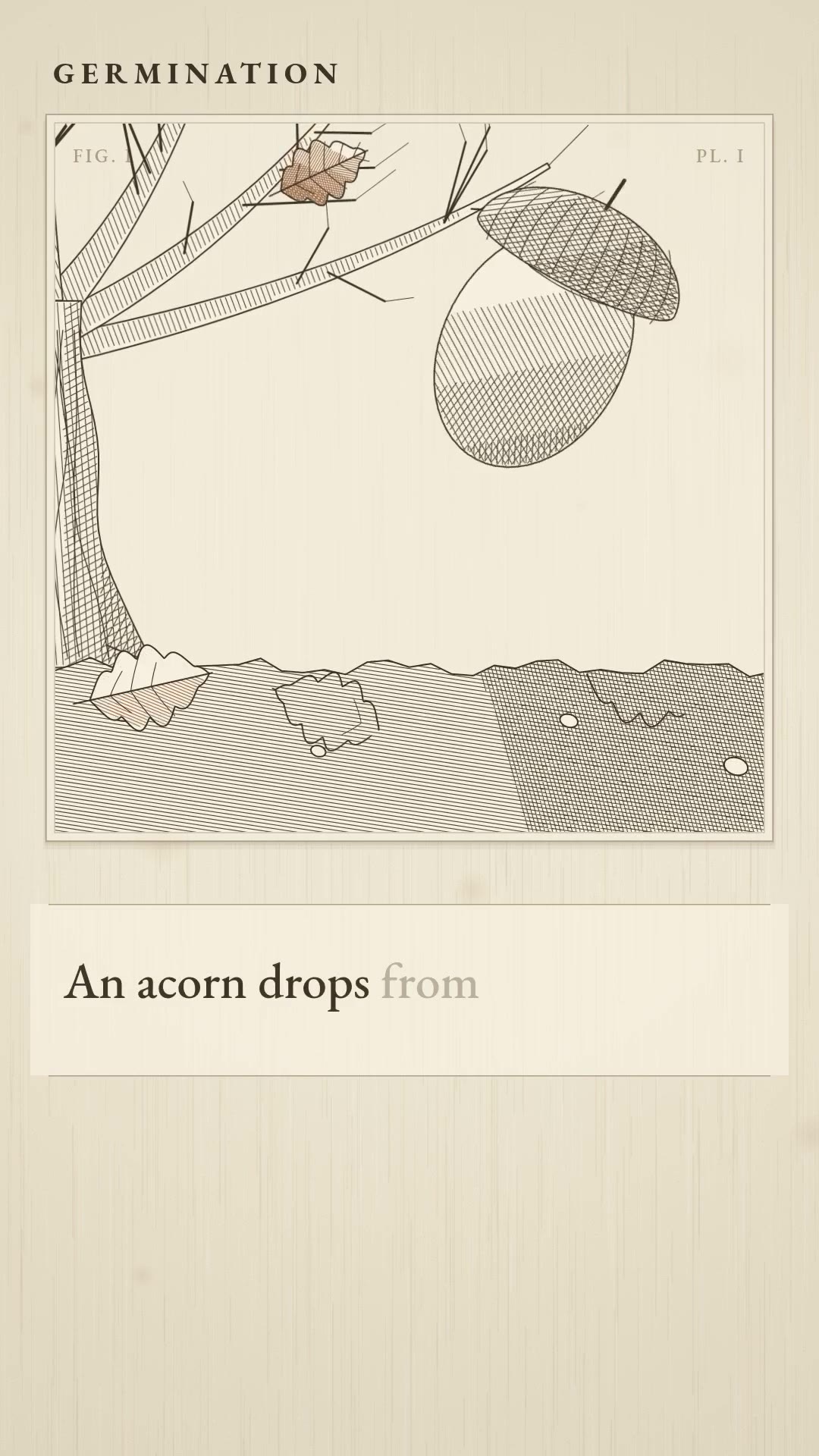
Botanical Plate
Engraved plates from an old encyclopedia
Themes: Herbarium, Atlas and Anatomy
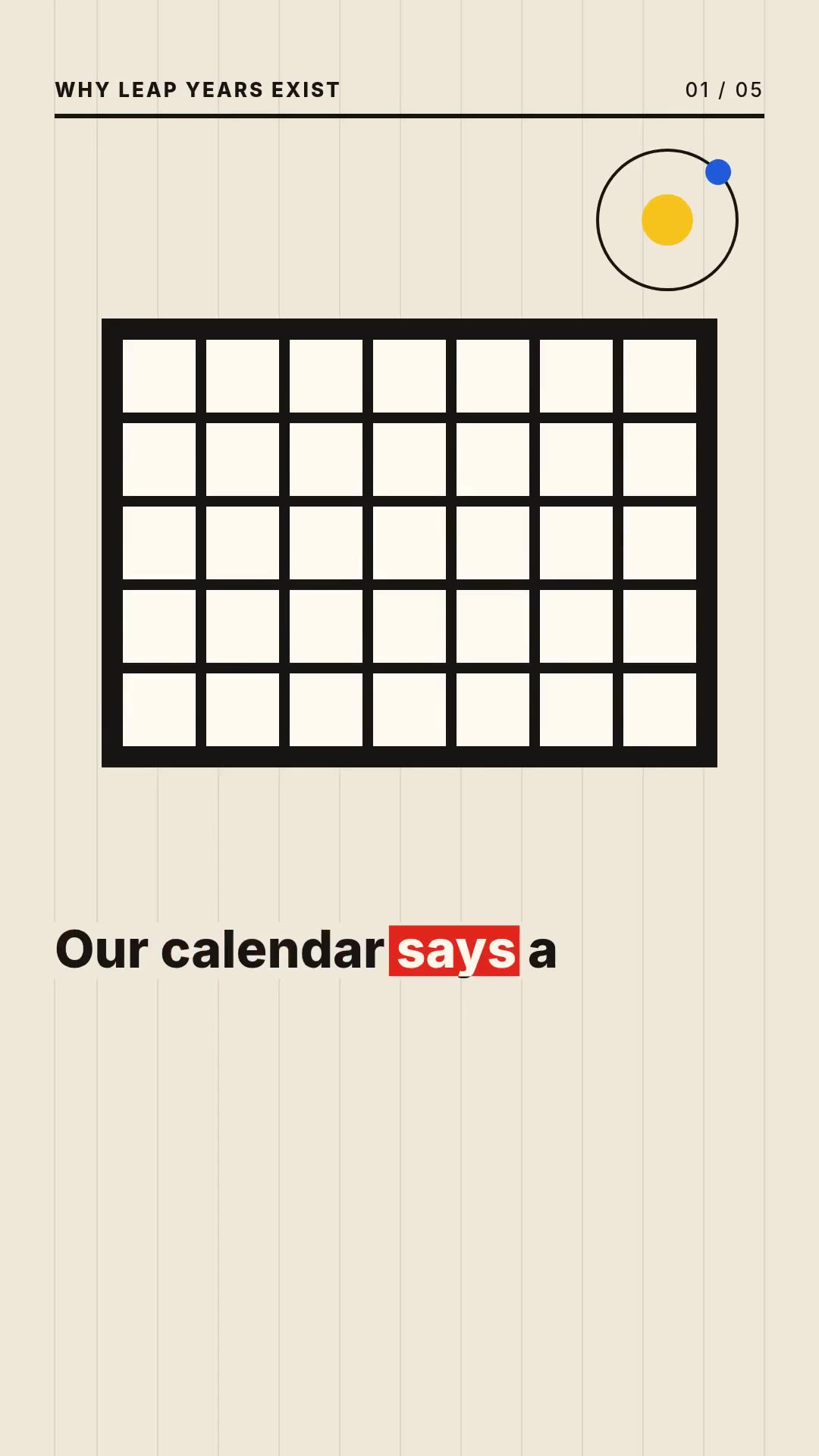
Swiss Grid
Bold flat shapes, big numbers, editorial motion
Themes: Cream, Night and Pop
Pixel Quest
A 16-bit adventure, with a hero and a dialogue box
Themes: Meadow, Dungeon and Neon
Paper Cut-out
Layered paper shapes with soft shadows
Themes: Craft, Pastel and Night
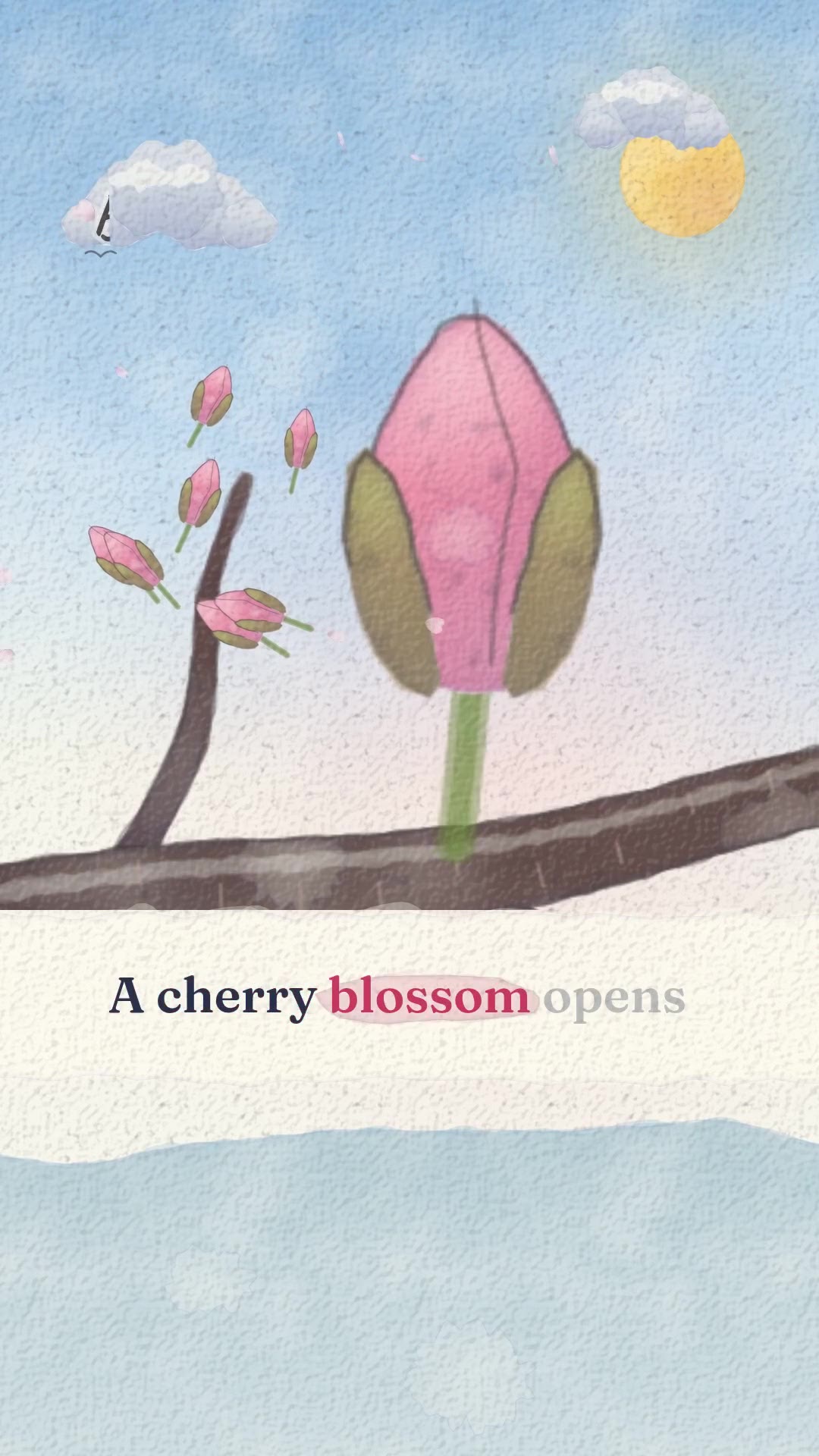
Watercolor
A storybook page, washes on textured paper
Themes: Spring, Golden hour and Twilight
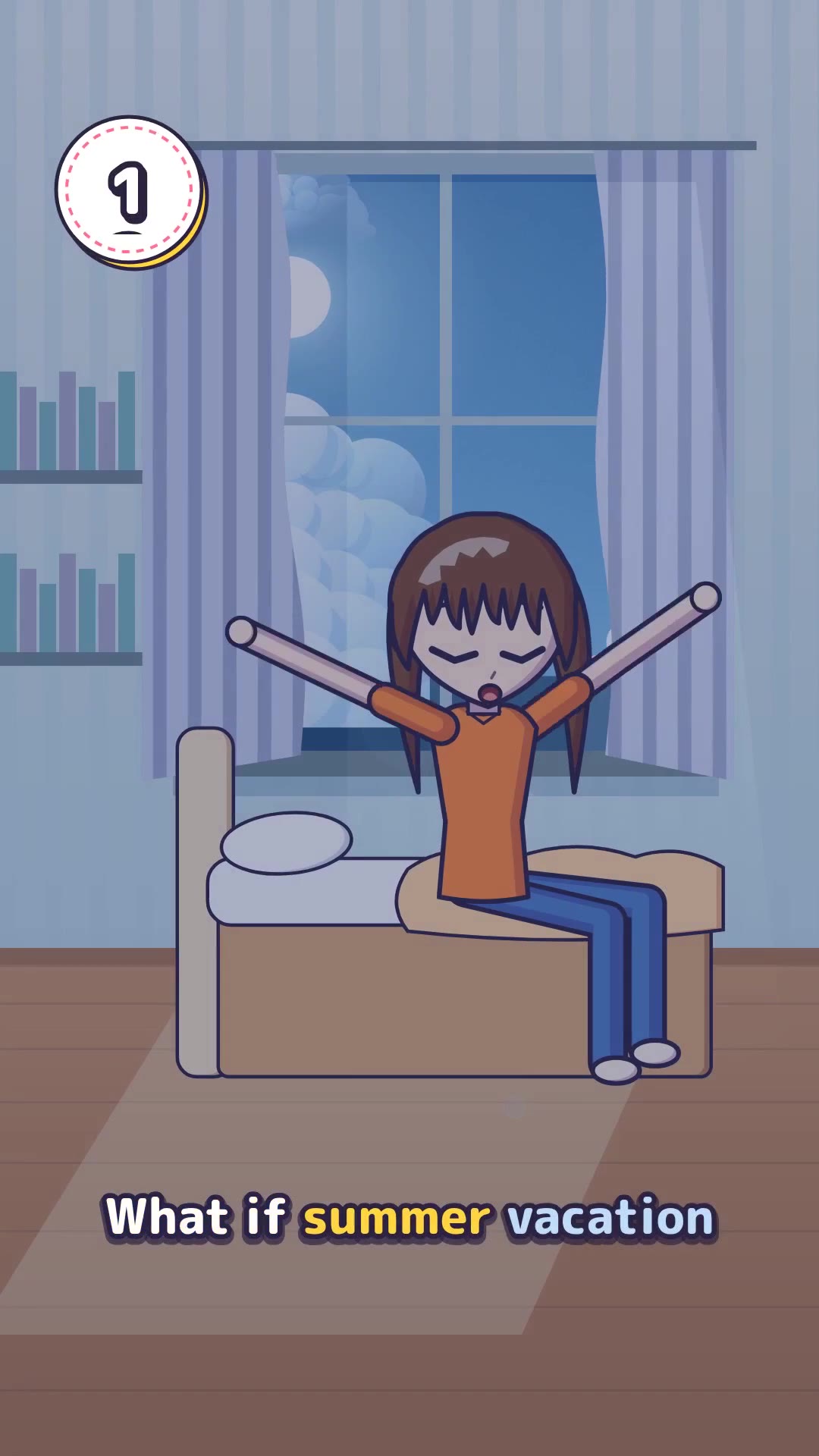
Anime
Painted skies and cel-shaded figures
Themes: Summer, Sunset and Night
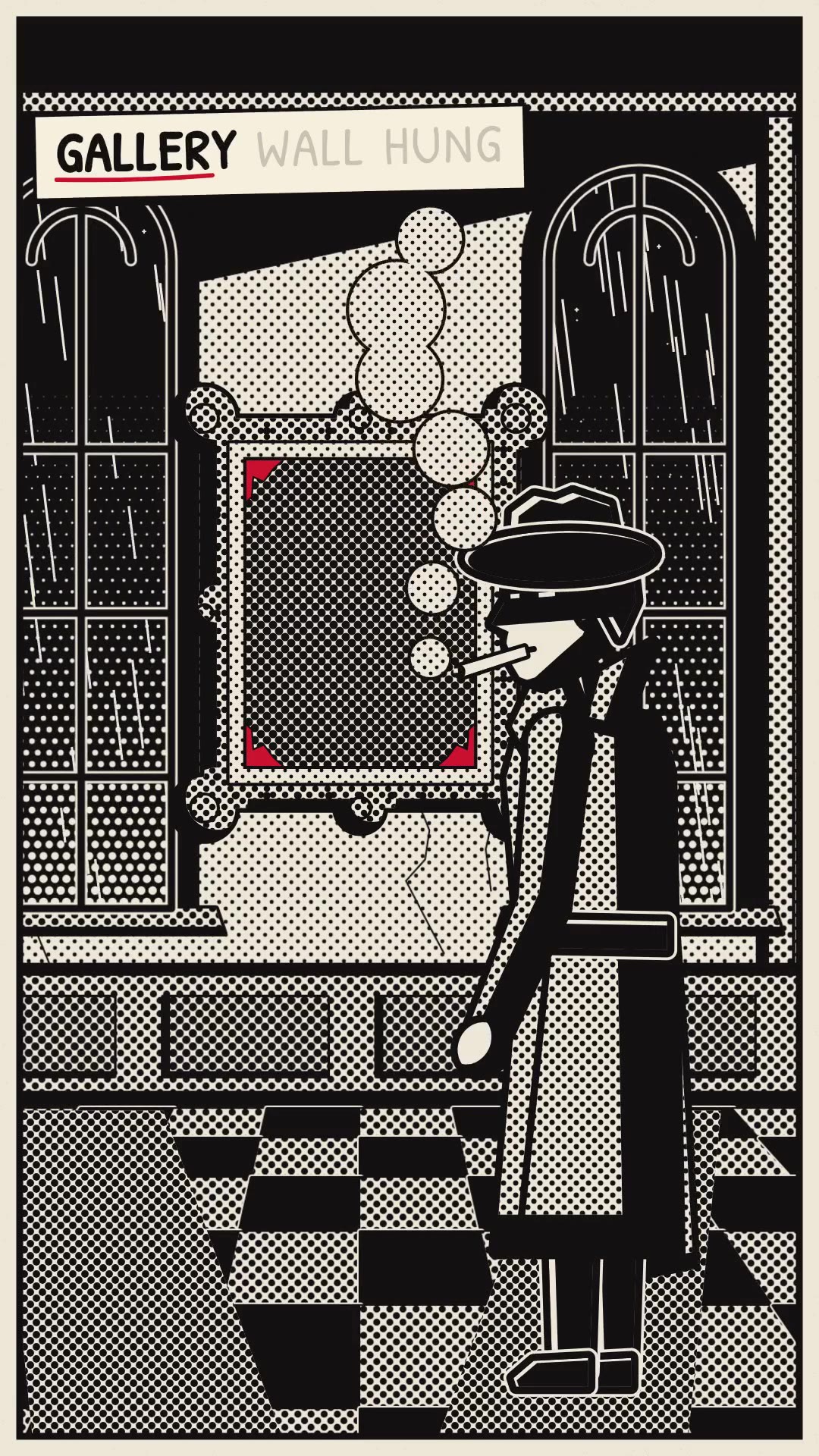
Noir Comic
Black ink, hard shadows, one color
Themes: Crimson, Amber and Teal
Vintage Poster
Grainy print, a few inks, big shapes
Themes: Riviera, Alpine and Desert
Clay
Hand-modeled figures on a miniature set
Themes: Studio, Garden and Bedtime
Every short is text to video with voiceover and captions. Claude writes a small program for every scene against the look’s kit, checks a few of its frames and fixes what is wrong, and DreamBench renders it frame by frame. No picture or video model is used.
AI voiceover and captions in 8 languages
A narrator reads the script, and the captions are burned into the video a few words at a time, timed to the voice.
George
Warm and unhurried, a storyteller
Brian
Deep and steady
Matilda
Friendly and clear
Lily
Soft and calm
Daniel
Measured, like a newsreader
Jessica
Bright and lively
Will
Relaxed and conversational
Bill
Older and reassuring
The narrators are ElevenLabs voices. Each one narrates in English, Brazilian Portuguese, German, Japanese, Simplified Chinese, Indonesian, Spanish and French.
What a faceless video costs
Content Studio is priced by the episode, in credits. The price is on the button before anything is made.
| Episode length | Scenes | Price |
|---|---|---|
| 30 seconds | 5 | 838 credits |
| 1 minute | 10 | 1,466 credits |
| 2 minutes | 20 | 2,721 credits |
| 3 minutes | 30 | 3,976 credits |
| 5 minutes | 50 | 6,486 credits |
Each episode is its own charge, so a run of 4 episodes costs 4 times one, and an episode that fails gives its credits back. A change to a finished episode costs only what is made again. Credits come with a DreamBench plan: see the plans.
Questions about Content Studio
What is Content Studio?
Content Studio is DreamBench’s AI faceless video generator. Type a topic or a question and Claude writes the script scene by scene and draws and animates every scene in one look, a narrator reads it with burned-in captions, and you get a vertical short for YouTube Shorts, TikTok and Instagram Reels.
How do I make a faceless video with AI?
Type your topic. Leave the kind (What if, Explainer, Short story or Facts) and the look on Auto for Claude to pick, or pick them yourself; choose a narrator, a language and a length, check the price on the button and start. Claude writes the script, draws and animates each scene, a narrator reads it, and you download the finished MP4.
Can Content Studio make animated videos?
Yes. Every scene is animated by Claude in code: Claude writes a small program for each scene against the look’s tested kit — its characters, places, labels and captions — and DreamBench renders it frame by frame. Claude checks a few frames of each scene and fixes what is wrong before the episode is made, and no picture or video model is used. There are 12 looks: Toy Town, Voxel World, Data HUD, Botanical Plate, Swiss Grid, Pixel Quest, Paper Cut-out, Watercolor, Anime, Noir Comic, Vintage Poster and Clay.
What does a faceless video cost?
Content Studio is priced by the episode, in the credits of your DreamBench plan. An episode of 30 seconds costs 838 credits and an episode of 1 minute costs 1,466 credits, whatever the look. The price is on the button before anything is made, each episode is its own charge, and an episode that fails gives its credits back.
Can I use Content Studio for a faceless YouTube channel?
Yes, for making the videos. One run makes up to 4 episodes written as a series, each one standing alone, and every episode comes with a title, a post caption and hashtags. You download the MP4s and post them yourself: Content Studio doesn’t post or schedule to YouTube, TikTok or Instagram.
Can I change a video after it is made?
Yes. Open a finished episode and press Edit: change any line, what a scene shows or how it moves, the narrator, the look or its theme. Only what you change is made again, at the price on the button — reading one line again costs 19 credits and drawing one scene again 139 credits — and your video stays as it is until the new one is ready.
What size and length are the videos?
Every video is a vertical 9:16 short at 1080 × 1920 and 30 frames a second, as an MP4. An episode runs 30 seconds, 1 minute, 2 minutes, 3 minutes or 5 minutes.
Which narrators and languages can I choose?
There are 8 narrators, all ElevenLabs voices: George, Brian, Matilda, Lily, Daniel, Jessica, Will and Bill. Each one narrates in 8 languages: English, Brazilian Portuguese, German, Japanese, Simplified Chinese, Indonesian, Spanish and French. The captions are in the narration’s language, burned into the video a few words at a time and timed to the voice.
Do I have to appear on camera or record my voice?
No. Nobody presents a Content Studio video: the scenes are drawn and animated by Claude, and the script is read by an AI narrator. That also means you can’t upload your own voice.
Do Content Studio videos have a watermark?
No logo is laid over the video itself. With Starter, each episode ends with a short DreamBench.ai card after its last scene; with Plus, Ultra and Studio, it ends on the last scene.
Are the facts in a video checked?
No. The script is Claude’s best knowledge of your topic, and it can be wrong or out of date. Read the narration and check its claims before you post, as you would any draft.
What doesn’t Content Studio do?
It adds no background music, doesn’t post or schedule to TikTok, YouTube or Instagram, and doesn’t start from a link to someone else’s video. It is made inside DreamBench: there is no connector for Claude or other assistants.
Which AI models does Content Studio use?
Claude writes the script and draws and animates every scene in code, with no picture or video model. An ElevenLabs voice narrates every episode.
Are the videos labeled as AI-made?
Yes. Every file Content Studio makes is marked as AI-made, as all DreamBench output is. When you post, follow the platform’s own rules for labeling AI-made videos.
Content Studio writes, draws and animates with Claude and narrates with ElevenLabs voices. See every model
Make your first short.
Type a topic, leave the look to Claude or pick one, and see the price before anything is made.