
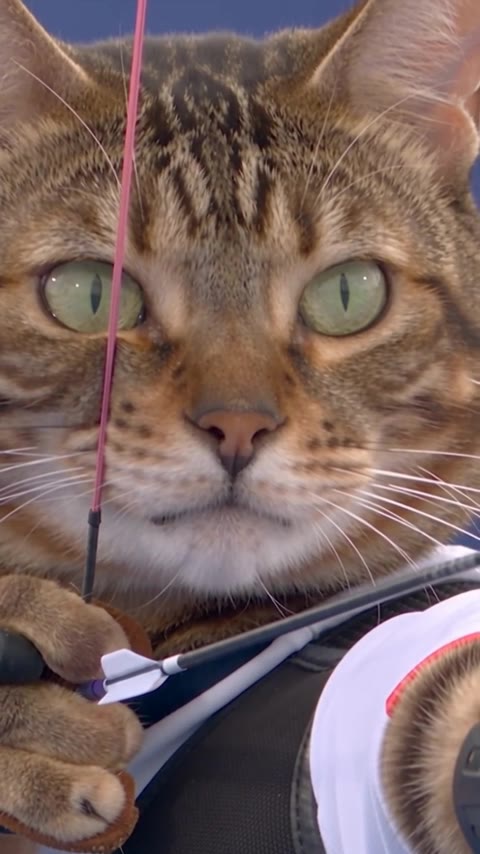
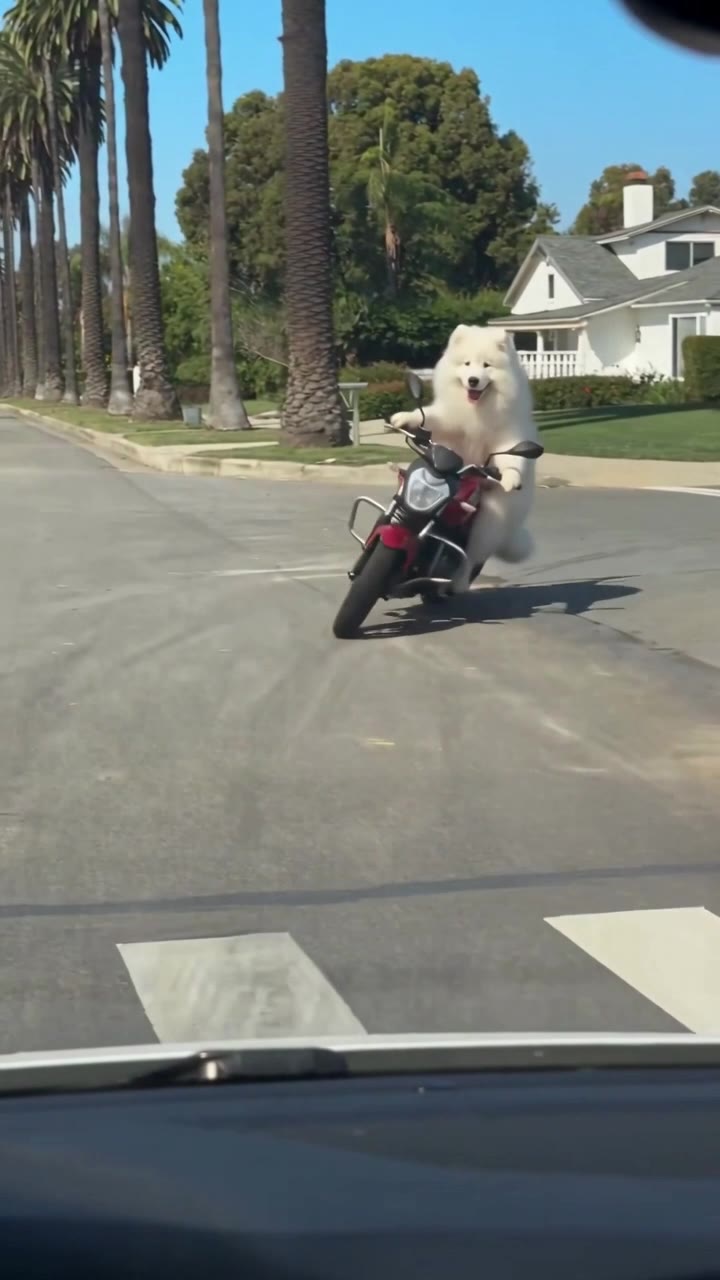
Morph: Recast any video without reshooting it.
Change the characters, setting, outfits or products in a clip, add or remove anything, or restyle it all. Morph keeps the original motion, camera moves and timing.
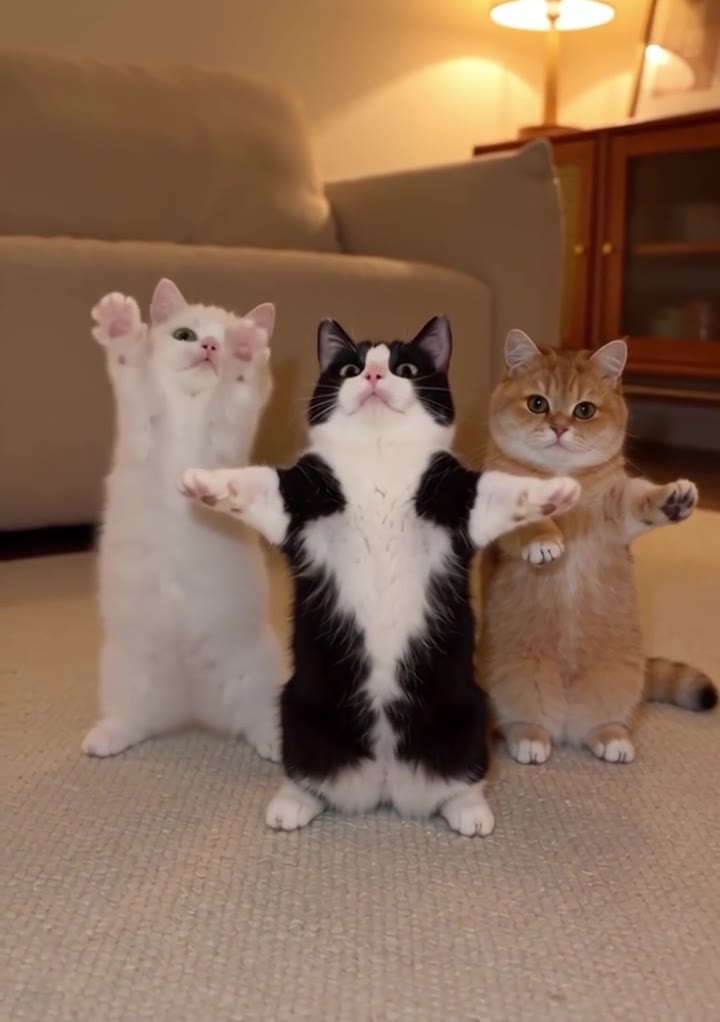
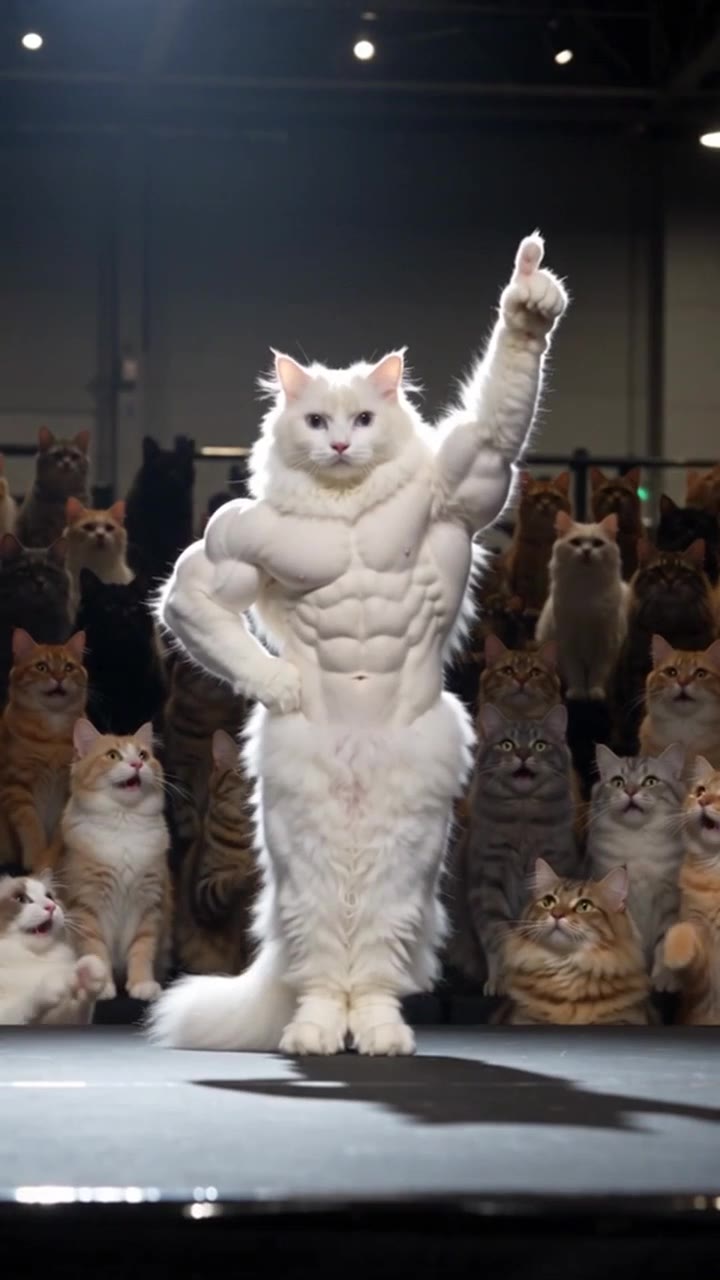
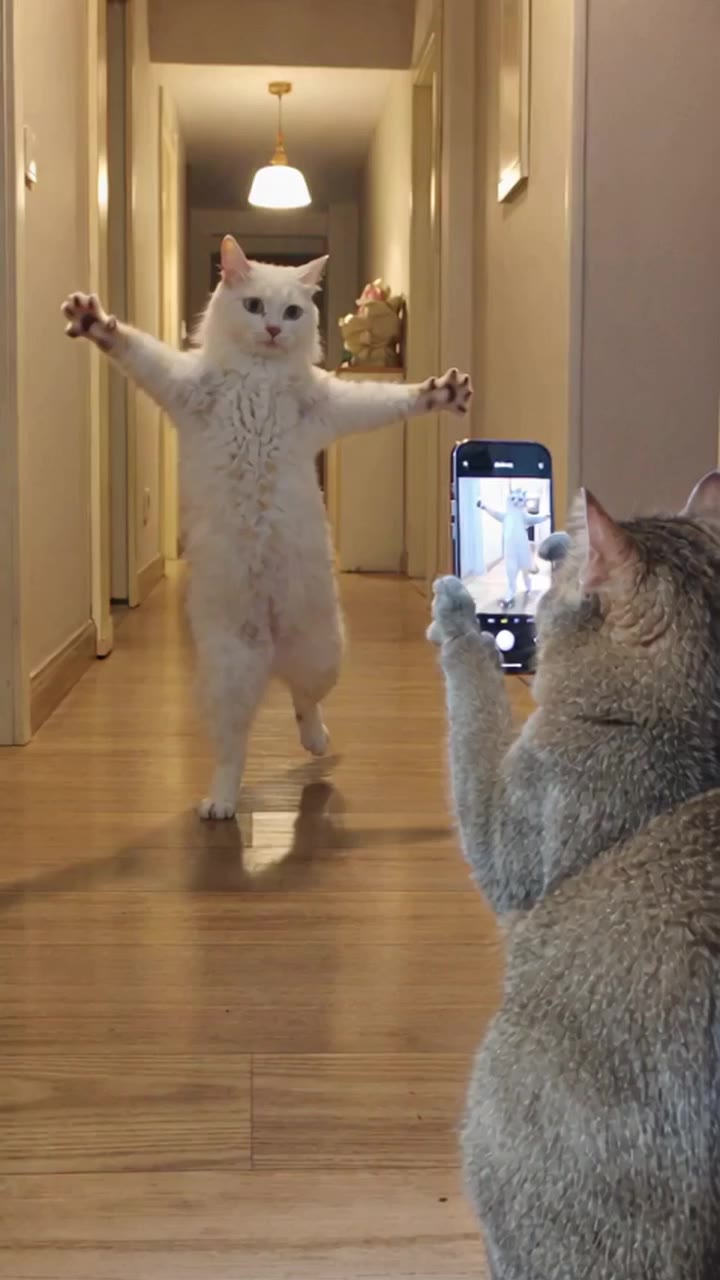
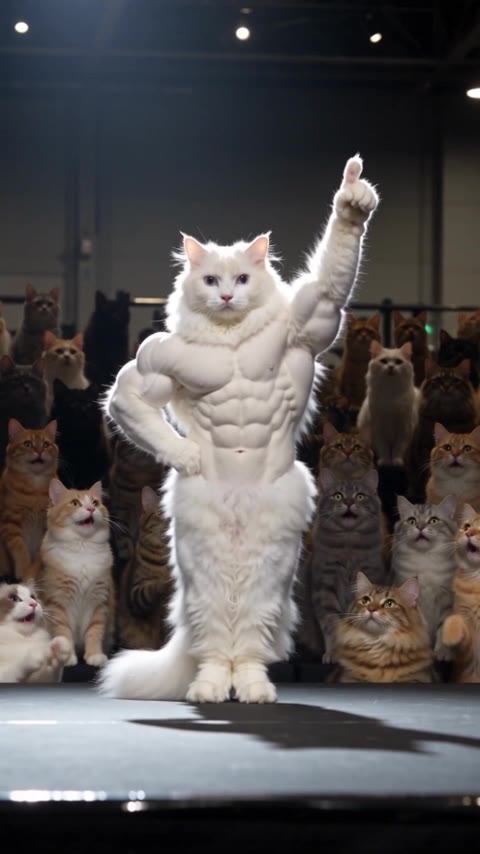
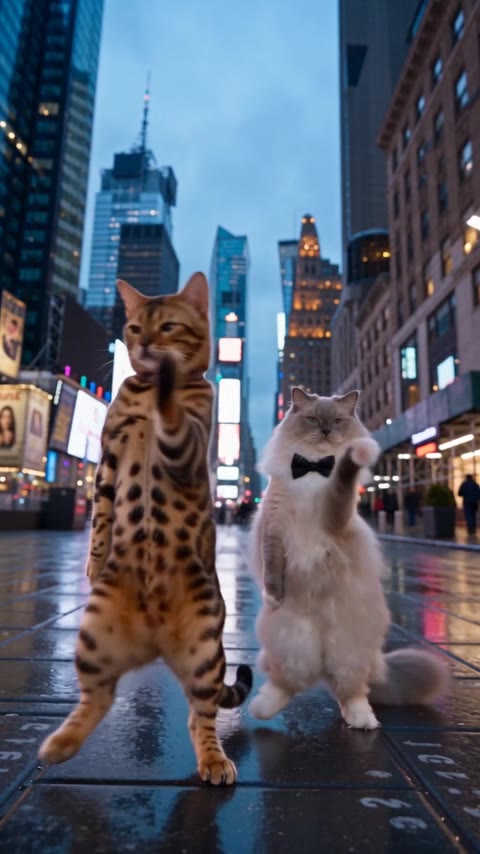
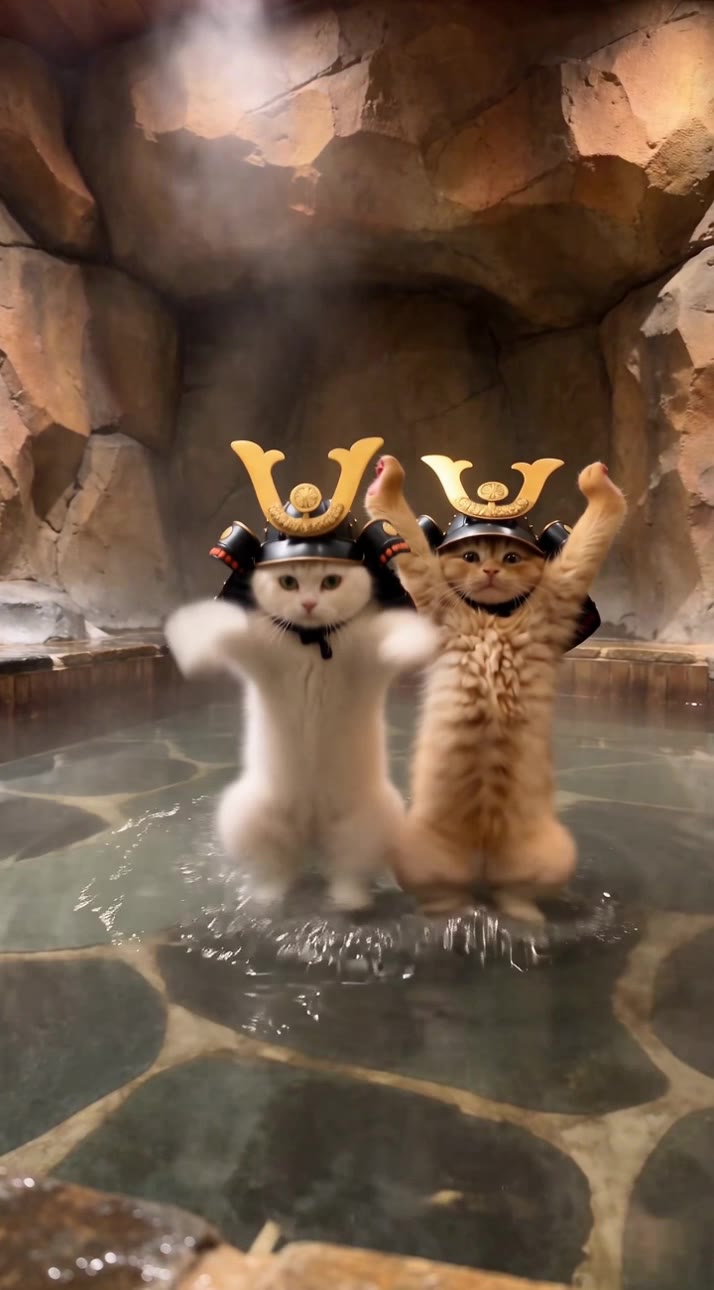
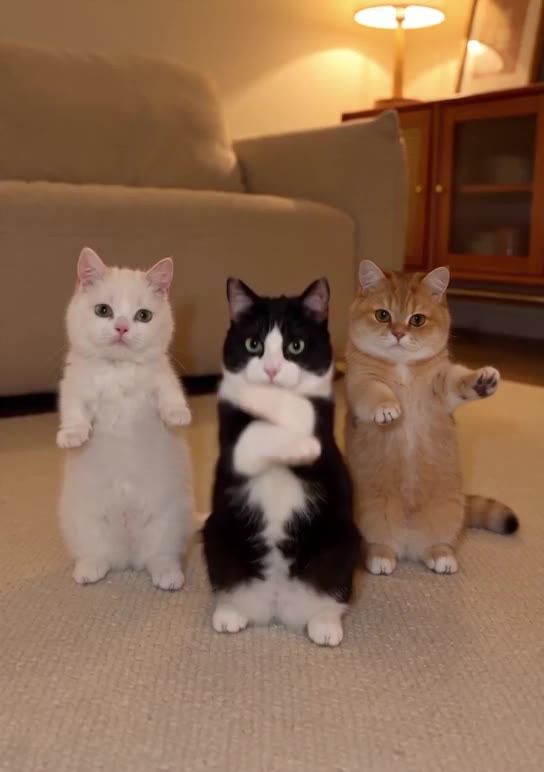
Swap the cats. Keep the dance.
Every step and beat from the clip, danced by new stars in a new room. Show Morph who and where, and it does the rest.
 Original
 With Morph
- @Video1
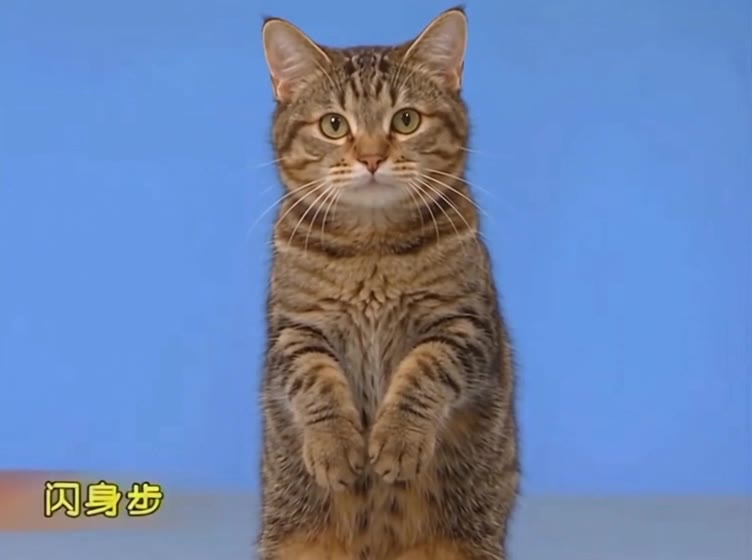
Original clipThe moves 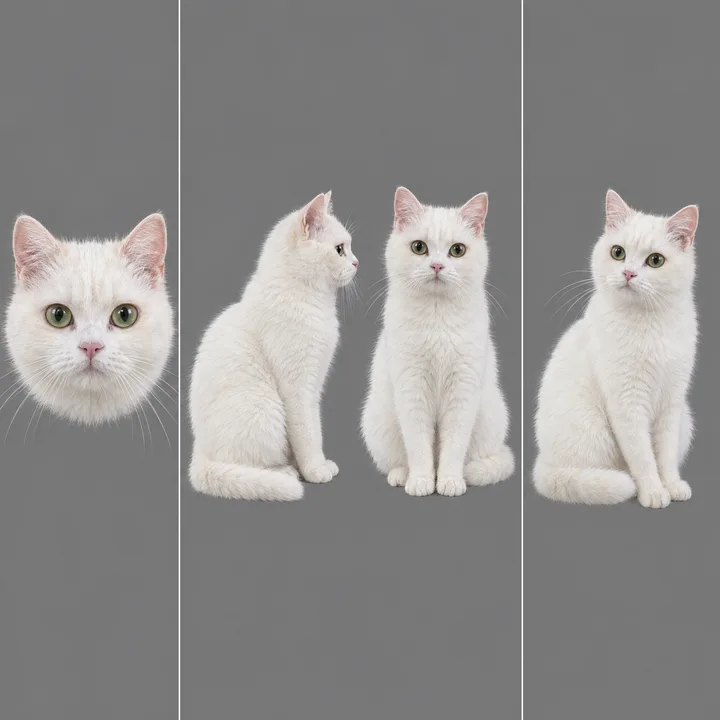 @yickshuncat
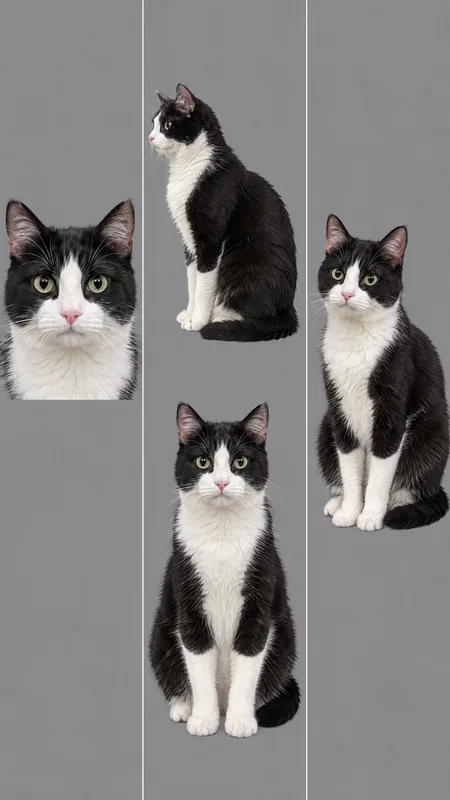 @oreo
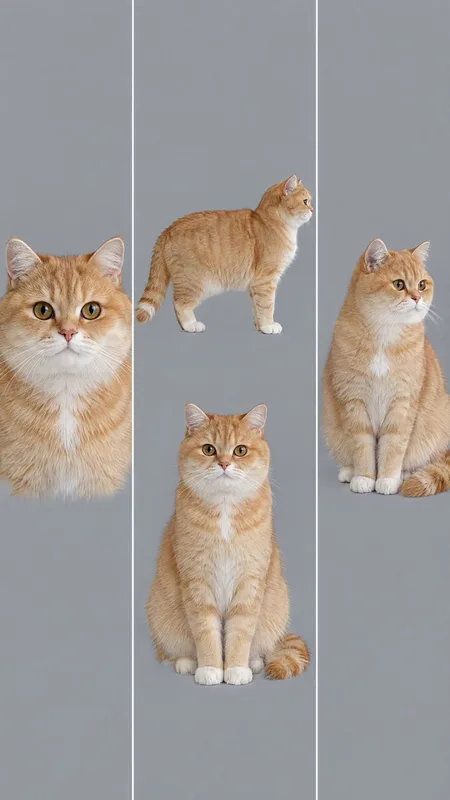 @mango
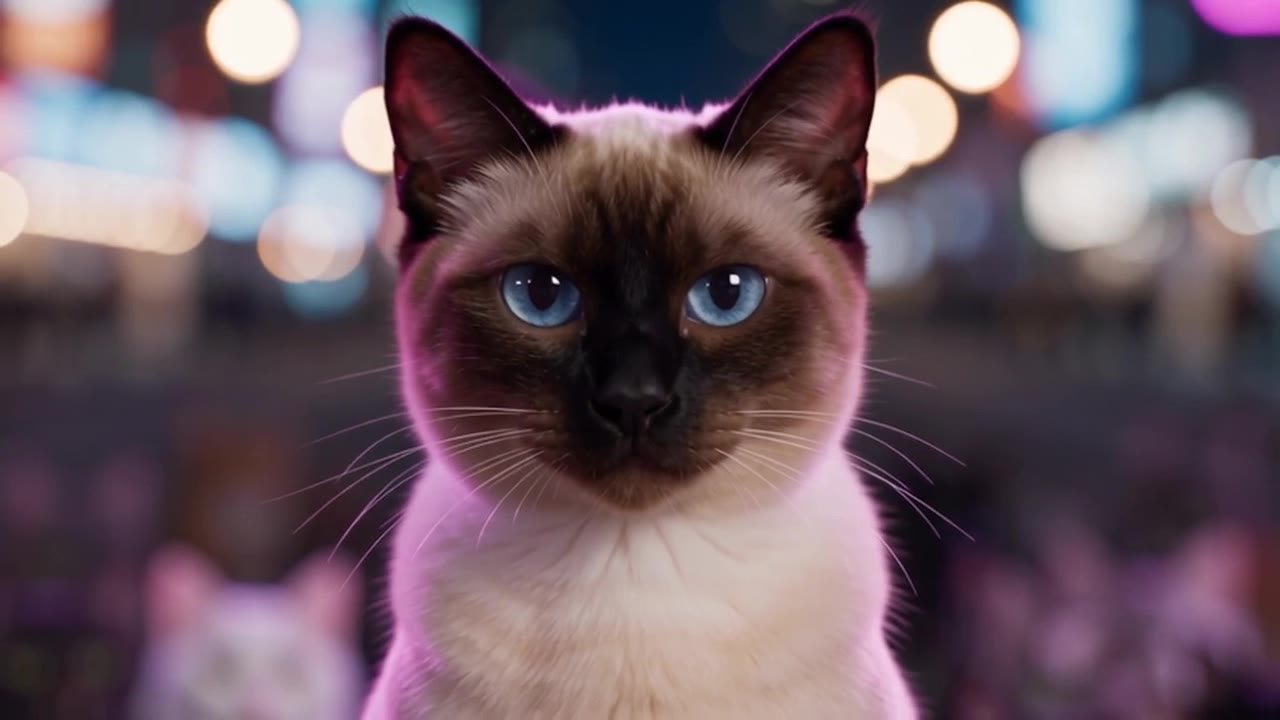
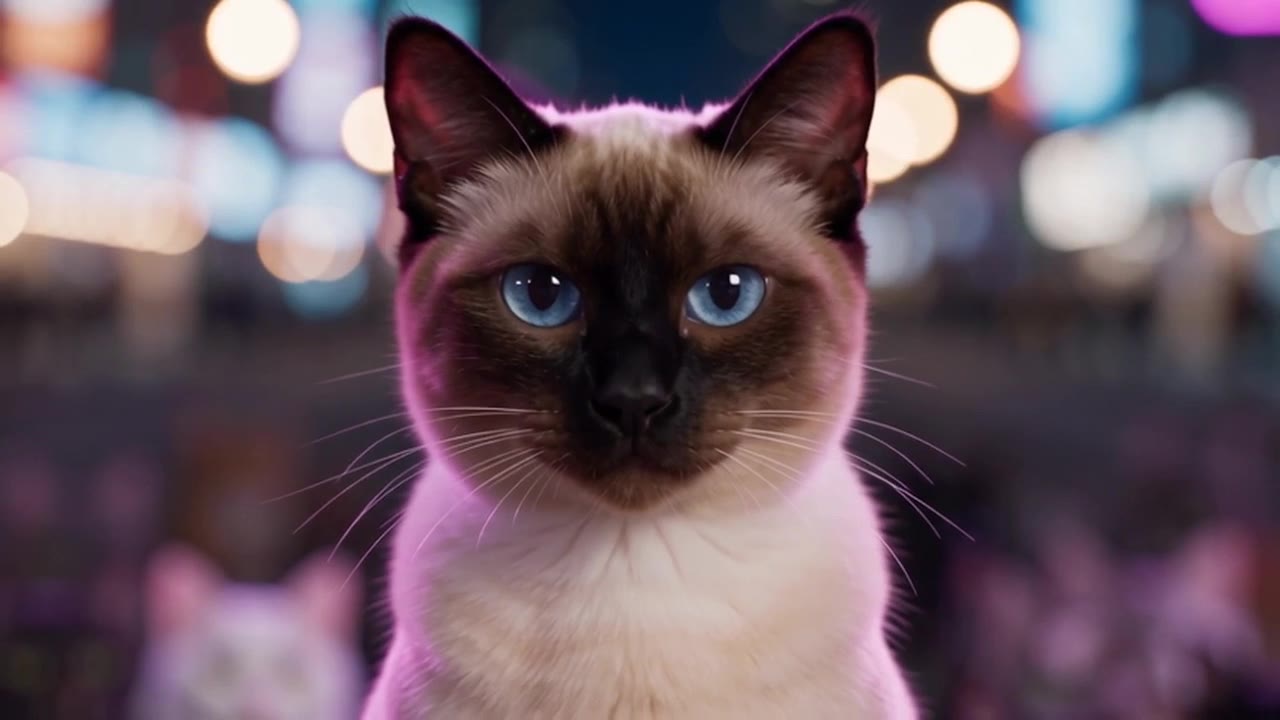
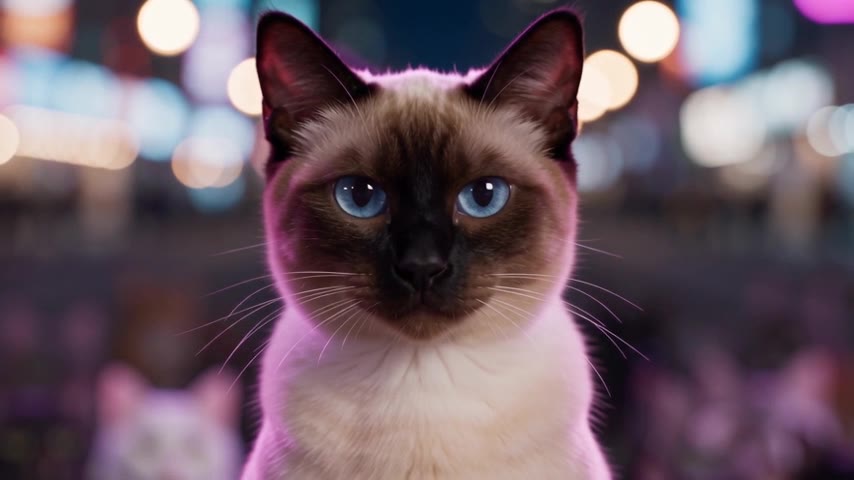
CharactersThree character sheets 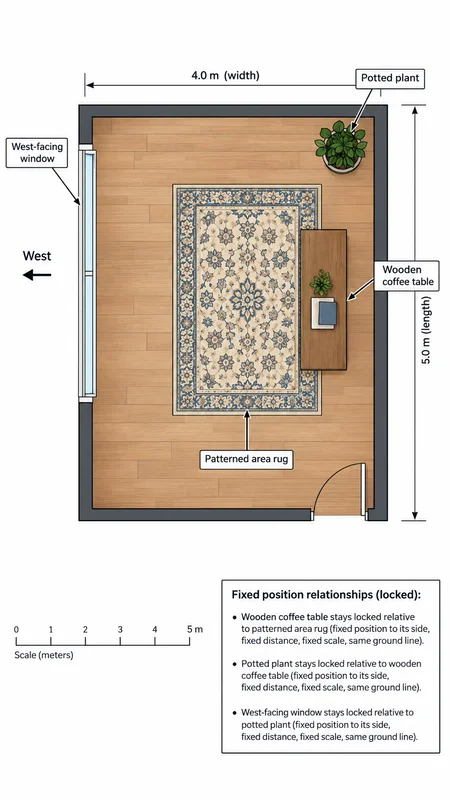 @floorplan
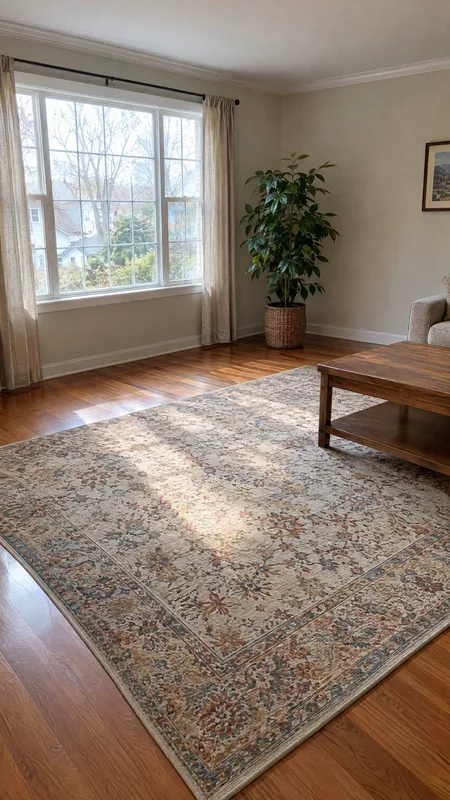
LocationA photo and a floor plan - With Morph
New videoMade with Morph
Change the background to @livingroom, laid out as in @floorplan, but swap the 3 cats for @yickshuncat, @oreo and @mango.
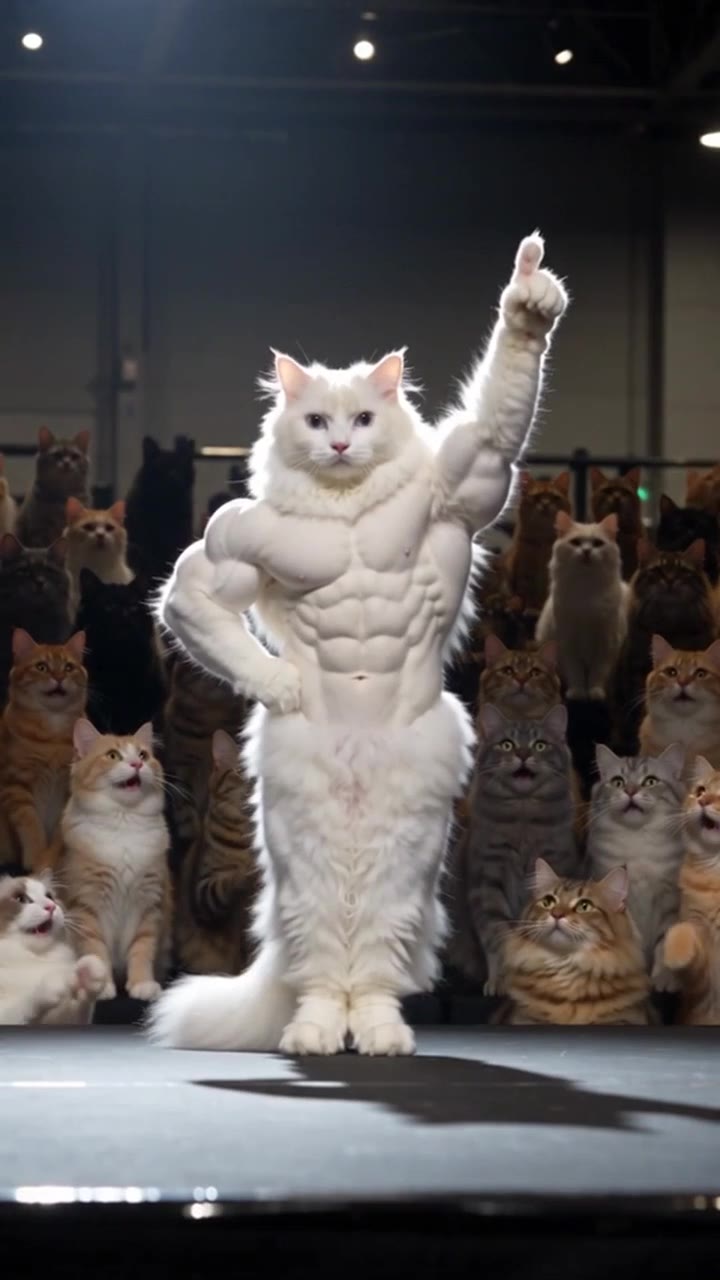
Keep the moves. Change the cast.
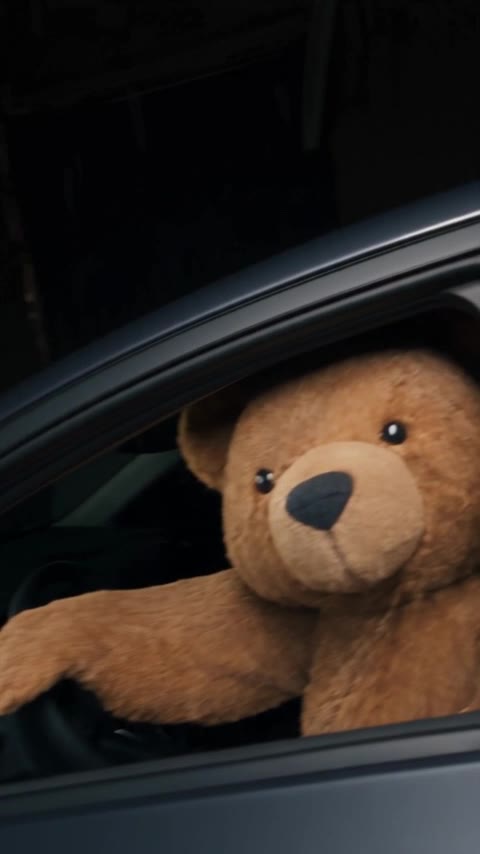
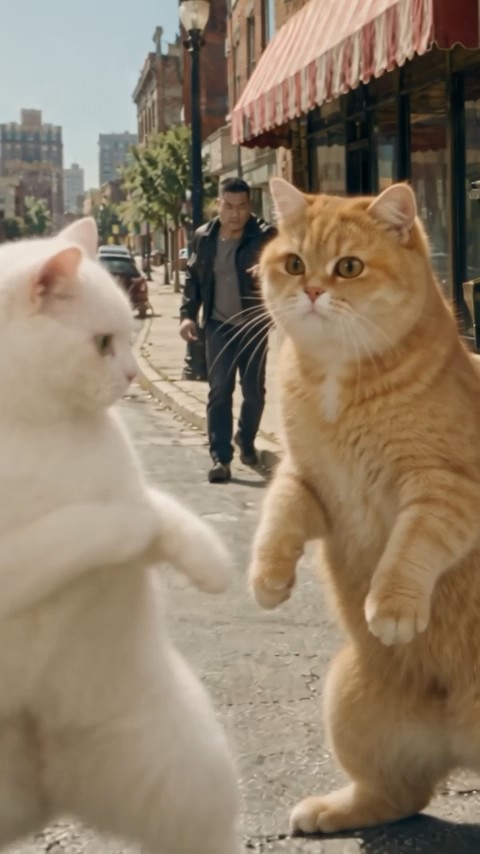
Every kick, block and camera move from the clip, played by a new cast. Give each part a picture and Morph does the rest.
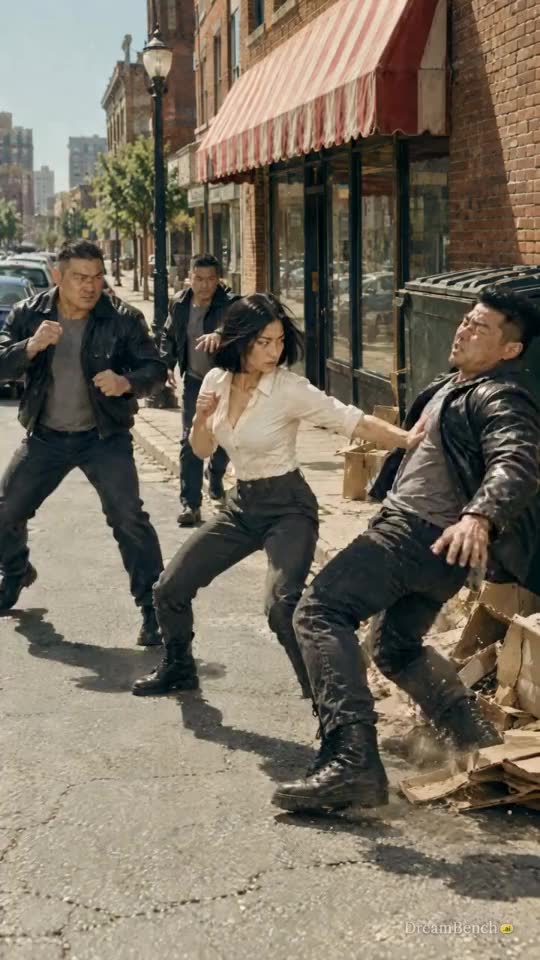 OriginalMoves
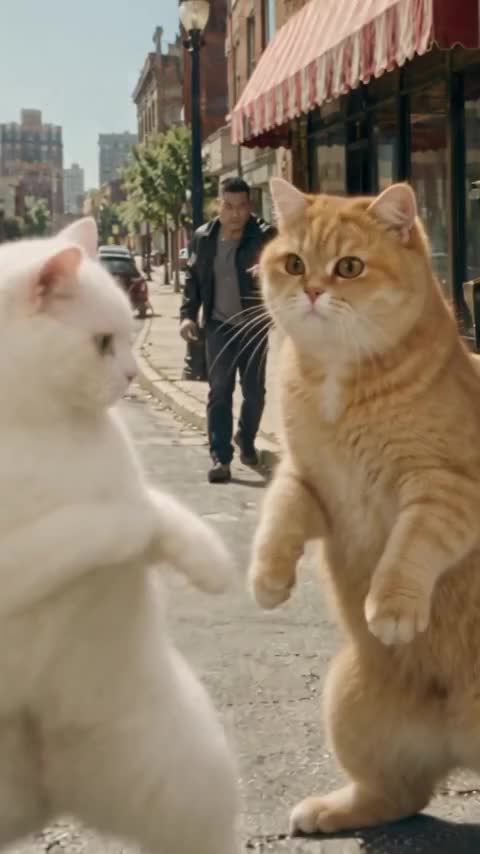 With Morph
| Role | Original | With Morph | In the prompt |
|---|---|---|---|
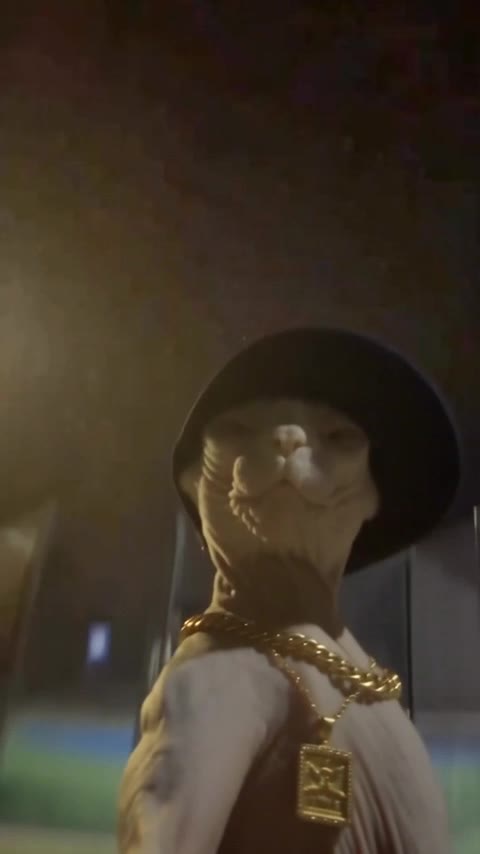
| The heroWhite shirt, throws the kicks | 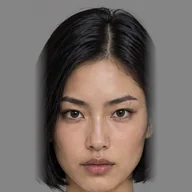 | 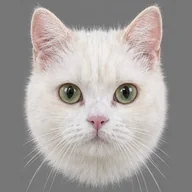 | @yickshuncat |
| The heavyLeather jacket, takes the hits | 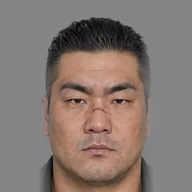 | 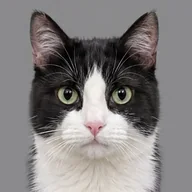 | @cat_one |
| The extraThrown into the boxes | 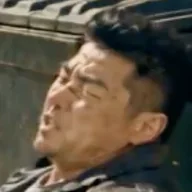 |  | @cat_two |
Reference the movement and the camera movement in @Video1 to generate @yickshuncat doing the same moves with the same timing, where @yickshuncat beats up @cat_one and @cat_two. Same look and light as @Video1.
Pick a clip
Dances, walk-outs, pets, outfits, new worlds. Or upload your own clip.
Tell us what to do
Pick what you want to do with your clip, and we write the prompt for it. Add your own pictures if you like.
- Swap something
- Transfer a motion
- Add something
- Remove something
- Change the look
- Extend the clip
Post it
Download it ready for TikTok, Reels and Shorts, with the original sound kept.
What Morph is
Morph is DreamBench’s AI video editor. Upload a clip or pick a trend, say what should change, and Morph keeps the moves and the sound while it swaps the cast, the outfit or the place. A clip runs from three to thirty seconds, in Preview or HD, and every generation shows its price in credits before it starts.
What you can do with Morph
Change the cast
Give each part a picture and the same moves play on a new character, a pet or you, the camera moves kept: motion transfer from your own clip.
Swap an outfit or a place
Say what should change and Morph repaints only that part of every frame, the rest left as it was: video inpainting from one line of text.
Restyle the whole clip
Give a phone video a new look while the action stays the same, the way AI video editing works when the edit is the whole frame.
Keep the moves and the beat
The original sound stays unless you turn it off, and the new frames follow the old ones one by one: temporal consistency is what makes a swap hold.
Questions about Morph
What does Morph do?
Morph swaps, adds, removes or restyles anything in a video from your own words. Pick a trend from the templates or upload a clip, say what should change — a new outfit, a new place, a new star, a cartoon version — and add up to four pictures of what you mean. It can change the clip itself, or make a new video that follows its moves.
Can I put real people in a generation?
Yes: turn on Real people and check the box to confirm it's you, or that everyone shown agreed. With it off, generations are for AI characters, cartoons, animals and objects. If a generation can't be made, your credits come back.
Does Morph scan or recognize faces?
No. Morph doesn't scan or recognize faces, and nothing tries to work out who is in your clip or pictures. They're used to generate your video, and DreamBench never uses your uploads to train AI.
What does a generation cost?
Morph uses the same credits as Film Studio. Every generation shows its price before you start, based on the length of the clip and the quality you choose: Preview costs fewer credits and HD is sharper. You can make an HD version of a preview you like.
Is the original sound kept?
Yes, unless you turn it off. Your generation keeps the sound of the video you started from, so a dance stays on the beat and a trend keeps its audio.
What isn't allowed?
Don't upload clips or pictures of public figures or of anyone under 18, and never use someone's picture without their permission. Sexual content, harassment, impersonation and anything else our Terms of Use rule out isn't allowed in Morph either. To report a video, email [email protected] with the subject "Abuse report".
Morph renders on Seedance and Kling models, the same ones the composer uses, and every generation is priced in credits before it starts. See every model